When someone searches for your business, your Google Business Profile is often the first thing they see, before your website.
Google Business Profile posts let you put something timely right there: a seasonal special at your Austin taco shop, a free AC inspection from your Phoenix HVAC company, or a Saturday open house for your Denver real estate listing.
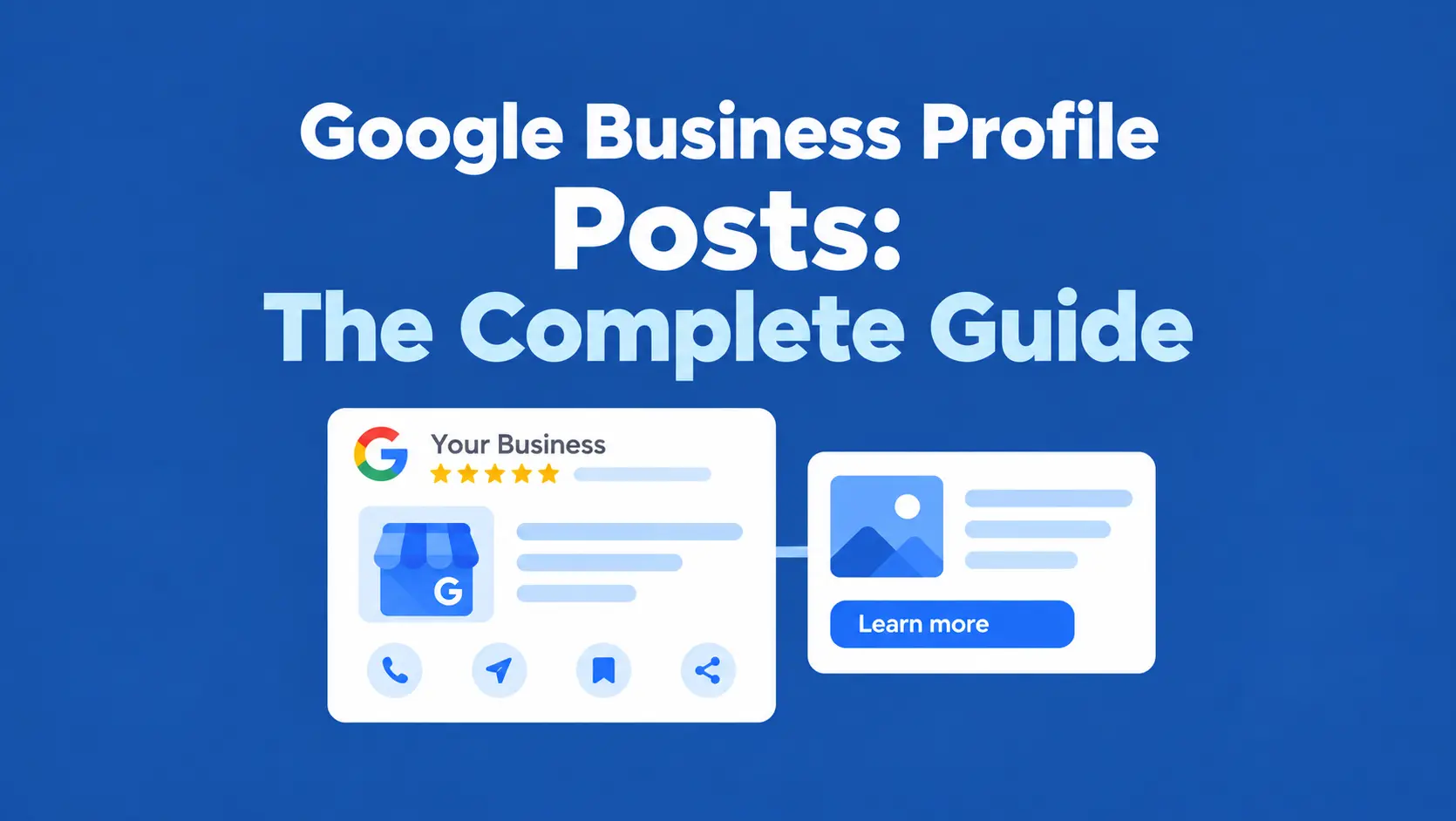
Posts appear on your Business Profile in Google Search and Google Maps, in the Updates section of your profile. Businesses use them to share:
- Business updates and announcements
- Offers, discounts, and coupon codes
- Events, classes, and workshops
- Product and service promotions
- Calls to action like Book, Order, or Call
In a local marketing strategy, Google Business Profile posting is the “what’s new” layer on top of your core profile: categories, services, hours, photos, and reviews.
This guide covers Google Business Profile post types, the character limit, post image size, CTAs, best practices, examples, ideas, frequency, whether posts affect rankings, and how to schedule and automate posts, including how FoundHint, our Local SEO plugin for WordPress, lets you manage and schedule Google Business Profile posts from your dashboard.
 FoundHint Local SEO WordPress
Optimize your Google Business Profile without leaving WordPress
Connect your profile, compare it with your website and fix the gaps FoundHint finds.
- Business Profile audit and optimization
- Google Post scheduling
- Review management and replies
- Local rank tracking on a map grid
What Are Google Business Profile Posts?
A Google Business Profile post is a short piece of content (text, an image or video, and an optional button) that you publish to your Business Profile. Posts are designed to communicate useful, current information to people viewing your profile. A post can include:
- Business updates: news, announcements, new hours
- Offers: promotions, discounts, coupon codes
- Events: dates, times, and details for something coming up
- Product or service promotions: spotlighting what you sell
- Calls to action: a button like Book, Order, or Learn more
- Images: a photo (or video) that makes the post stand out
- Links: the button sends people to a page on your website
Are Google Business Profile Posts Still Available?
Yes. Google Business Profile posts are still available in 2026. Google’s official help documentation still describes the Posts feature, including how to add, schedule, and repeat posts from your Business Profile (Google Business Profile Help: Create posts).
Some posting features have changed over the years. The “COVID-19 update” post type was retired, and “Product” posts were folded into the separate Products section.
Features also roll out unevenly; for example, Google’s automatically generated “featured posts” are currently limited to certain food and drink businesses. Before relying on a specific feature, check the official Google documentation.
Google Business Profile Post Types
Google currently offers three main Google Business Profile post types:
| Post type | What it’s for | What it includes |
|---|---|---|
| Update | General business news and announcements | Description, photo or video, optional action button and link |
| Offer | Promotions, discounts, and special deals | Title, start and end dates (required); description, photo, coupon code, link, terms (optional); “View offer” button added automatically |
| Event | Upcoming events, workshops, classes, and activities | Title, start and end dates and times (required); description, photo, button (optional) |
What about products or services?
Product and service promotions are usually published as Update posts, while the products themselves belong in your Products and Services sections (Google Business Profile Products and Services).
Google can change the available post types and features over time, so if you’re reading about Google Business Profile post types for 2026, confirm against Google’s help pages.
How to Create a Google Business Profile Post
Here’s how to post on Google Business Profile:
- Open Google Business Profile: search your business name on Google while signed in, or go to business.google.com.
- Select the business (if you manage more than one).
- Create a post/update: select Add update, or Posts → Add post.
- Choose the appropriate type: Update, Offer, or Event.
- Add text: a clear, useful message (up to 1,500 characters).
- Add an image when useful: a sharp, relevant photo or short video.
- Add the appropriate CTA: choose a button and paste the correct URL.
- Preview: check the text, image crop, and link.
- Publish: select Post, or turn on Schedule this post to publish later.
New posts may show Pending briefly before going Live. Posts can be rejected if they break Google’s content policies; for example, a phone number in the description that Google can’t connect to your business.
Google Business Profile Post Character Limit
The Google Business Profile post character limit is 1,500 characters for the post description. That’s the limit widely documented for 2026; Google’s own help pages don’t print the number, but the post editor stops you at 1,500.
| Element | Limit |
|---|---|
| Post description | 1,500 characters |
| Offer/Event title | Short; around 58 characters display cleanly |
| Visible preview | Only the first ~100–150 characters show before “More” |
The practical rule: put your main message in the first sentence. Most people never tap “More,” so 1,500 characters is a ceiling, not a target. Most effective posts are 150–300 characters.
Google Business Profile Post Image Size
What’s the right Google Business Profile post image size? Posts follow Google’s general Business Profile photo requirements:
| Spec | Recommendation |
|---|---|
| Recommended dimensions | 720 × 720 px (or larger, such as 1200 × 1200) |
| Minimum dimensions | 250 × 250 px |
| Aspect ratio | 1:1 square is safest; 4:3 (1200 × 900) also works |
| File format | JPG or PNG |
| File size | 10 KB to 5 MB |
Google Business Profile post dimensions: practical tips
- Image quality: sharp, well lit, no heavy filters
- Mobile visibility: most people see posts on phones, so check how the image looks at small sizes
- Avoid important text near the edges: Google crops post images differently on desktop, mobile, and Maps; keep text and logos centered
- Avoid text-heavy graphics: a short headline is fine, but the image shouldn’t be a flyer
- Use clear business imagery: your actual product, team, or location beats stock photos
For more on photo specs, see Google Business Profile Photos: Complete Guide.
How to Write Better Google Business Profile Posts?
Use a simple structure: Problem → Value → Action.
Need reliable HVAC service in Phoenix? Our local technicians provide professional heating and cooling services, with same-day appointments available. Schedule your service today.
That’s under 200 characters, and it tells the reader what you solve, why you, and what to do next. What makes it work:
- Clear opening: the first line hooks the right customer
- One main message: one offer or one update per post
- Local relevance: mention your city or neighborhood naturally
- Useful information: dates, prices, details people actually need
- Natural keywords: “AC repair in Phoenix” fits; “AC repair Phoenix best AC repair Phoenix” doesn’t
- Strong CTA: tell them exactly what to do
- Easy-to-understand language: write like you’d talk to a customer at the counter
Don’t keyword-stuff posts. Google’s guidelines discourage it, and customers skip it.
Google Business Profile Post CTAs
Effective CTAs for Google Business Profile posts match what you want the customer to do next. Google’s button options:
| CTA button | When it makes sense |
|---|---|
| Learn more | Sending people to a page with details, like a blog post, service page, or your website in general (the closest to “Visit website”) |
| Book | Appointments, reservations, consultations: salons, dentists, restaurants, home services |
| Order online | Food ordering, curbside pickup, delivery |
| Buy | A specific product page in your online store |
| Sign up | Events, classes, newsletters, memberships |
| Call now | Urgent services like plumbers, locksmiths, or towing, where a phone call converts best |
Offer posts automatically get a View offer button. Always link the button to the most specific relevant page, not your homepage.
Google Business Profile Post Best Practices
- Use original business information
- Keep the message focused on one thing
- Use high-quality images
- Use relevant CTAs
- Link to the correct page
- Keep promotions accurate (prices, dates, terms)
- Update or remove time-sensitive information when it expires
- Avoid excessive promotional language (“BEST DEAL EVER!!!”)
- Avoid misleading claims
- Check links before publishing
- Use local context naturally
- Follow Google Business Profile post guidelines (no phone numbers in text, no prohibited content)
Google Business Profile Post Examples
Here are Google Business Profile post examples you can adapt, one for each industry.
Restaurant: seasonal menu (Update)
Fall has arrived at Magnolia Kitchen in Charleston! Our new seasonal menu features butternut squash risotto, braised short ribs, and apple cider donuts. Available starting October 10. CTA: Book
HVAC: summer AC maintenance (Offer)
Beat the Phoenix heat: $79 AC tune-up through June 30. Our certified techs check refrigerant, clean coils, and test your system so it won’t quit in July. Use code COOL79. CTA: View offer
Dentist: new patients (Update)
Now accepting new patients at Maple Street Dental in Denver! Same-week appointments, most PPO insurance accepted, and evening hours on Tuesdays and Thursdays. CTA: Book
Hotel: seasonal stay (Offer)
Escape to the mountains this winter. Stay 3 nights at Aspen Ridge Lodge and get the 4th night free, valid January 5 to March 15. CTA: View offer
Retail store: new product (Update)
Just in at Riverside Outfitters in Portland: the new trail running shoe collection from top brands, in sizes 6–14. Stop by and try a pair on our in-store treadmill. CTA: Learn more
Real estate: new listing (Event)
Open house Saturday, 1–4 PM: 3-bed, 2-bath craftsman in East Nashville with a renovated kitchen and fenced backyard. Listed at $549,000. CTA: Learn more
Local service business: new service (Update)
Sparkle Home Cleaning now offers move-out cleaning across Austin and Round Rock. Deep clean, inside appliances, and walls included, so you get your deposit back. CTA: Book
Google Business Profile Post Ideas
Running out of things to post? Google Business Profile post ideas that work for almost any business:
- New service: something you just started offering
- New product: fresh arrivals or a new menu item
- Special offer: a discount or bundle
- Seasonal promotion: summer AC checks, winter furnace tune-ups, back-to-school deals
- Event announcement: workshops, tastings, open houses
- Business update: renovations, new parking, new booking system
- Customer FAQ: answer a question you get every week
- Helpful local tip: “How to protect your pipes during a Chicago freeze”
- Service reminder: “Time for your 6-month cleaning”
- Holiday announcement: holiday hours, gift cards, closures
- New location: grand opening details
- New team member: introduce a new stylist, technician, or doctor
- Community involvement: sponsoring a Little League team or a food drive
- Case study: a before-and-after project
- Customer success story: a happy customer’s experience (with permission)
Turn your best ideas into Google Business Profile post templates (offer, service, event, announcement, seasonal) so you can fill in the details and publish quickly.
Do Google Business Profile Posts Improve Rankings?
This is one of the most searched questions: do Google Business Profile posts affect ranking? Are Google Business Profile posts a direct ranking factor? Does Google Business Profile posting improve rankings?
The honest answer: Google Business Profile posts can help communicate current information and offers to potential customers, but businesses shouldn’t treat posting frequency as a guaranteed direct ranking factor.
Google hasn’t said posts are a ranking factor, and posting five times a week won’t push you into the Local Pack on its own.
What posts can do is make your profile more useful and more active-looking, give customers a reason to click, call, or book, and send visitors to relevant pages on your website.
Those are real benefits, just not a ranking shortcut.
Google Business Profile Posts and Local SEO
Google Business Profile posts for local SEO work best as support, not as the foundation. Posts can:
- Promote local services
- Highlight offers
- Share useful information
- Support customer engagement
- Drive visitors to relevant website pages
- Reinforce business relevance: a steady stream of posts about “water heater installation in Tampa” reinforces what you do and where
Posts should support your local SEO strategy, not replace core GBP optimization. The foundation is still:
- Business information: name, address, phone, hours (How to Change My Business Hours on Google)
- Categories (Google Business Profile Categories)
- Services (Products and Services)
- Reviews (Google Business Profile Reviews)
- Photos (Google Business Profile Photos)
- Website, with strong location and service pages
- LocalBusiness schema (LocalBusiness Schema for WordPress)
- Citations (Local Citations)
How Often Should You Post on Google Business Profile?
There’s no official Google Business Profile post frequency, and there’s no proven “posts frequency for ranking.” A practical approach:
- Don’t publish low-quality posts just to increase frequency. A weak post every day is worse than a useful post every week.
- Focus on useful, current content: offers, events, real updates.
- Match posting frequency to your actual updates and promotions: for many local businesses, that’s once a week or a few times a month.
- Don’t expect rankings from frequency alone.
What about the best time to post on Google Business Profile? Unlike social media, posts don’t disappear from a feed, so timing matters less.
Publish offers and events far enough ahead for customers to act, for example a Black Friday offer the week before, not the morning of. Scheduling makes this easy.
Can You Schedule Google Business Profile Posts?
Yes. Google now lets you schedule posts directly: when creating a post, turn on Schedule this post, pick a date and time, and use the Repeats option for weekly, monthly, or custom recurring posts. You can also share one post to multiple profiles you manage.
When does a Google Business Profile post scheduler make sense beyond Google’s built-in option?
- Third-party scheduling tools: useful when you want a content calendar, templates, approvals, or reporting that Google’s dashboard doesn’t offer
- Automated publishing: posts go live on time even if no one logs in
- Multi-location workflows: schedule location-specific posts across many profiles without switching between them
- Working where you already work: if your team lives in WordPress, scheduling posts there avoids one more login
Google Business Profile Post Automation
How do you automate Google Business Profile content posting? Automation doesn’t mean letting software post nonsense on autopilot. It means removing the repetitive steps so good content goes out consistently:
- Create posts faster from templates
- Schedule content weeks ahead
- Manage multiple locations from one place
- Reuse content frameworks: offer, event, seasonal, announcement
- Track publishing: what’s scheduled, what’s live, what expired
- Maintain consistent workflows: the same process every time, whoever is posting
Google Business Profile posting automation works best when a person still writes or approves the message and the tool handles timing, locations, and publishing.
Google Business Profile Posts for Multiple Locations
Each location has its own Business Profile, so each gets its own posts. Take a fitness studio with three Florida locations:
| Location | Post | Offer | Update |
|---|---|---|---|
| Orlando | Saturday HIIT class | First class free | New spin bikes installed |
| Tampa | Sunset beach yoga | 20% off July membership | Parking lot repaving Aug 3 |
| Miami | Spanish-language Zumba | Bring-a-friend week | Extended hours |
What matters for multi-location posting:
- Location-specific posts: a Tampa event belongs on the Tampa profile only
- Local offers: promotions may differ by location
- Location-specific landing pages: link each post to that location’s page, not the homepage
- Correct GBP profile: double-check before publishing
- Centralized management: one place to see every location’s posts
- Avoid duplicate or irrelevant content: posting the same text everywhere is easy but less useful for customers
See Multi-Location Local SEO for the bigger picture.
How to Manage and Schedule Google Business Profile Posts in WordPress With FoundHint?
Most business owners know they should post on Google Business Profile. The problem is remembering to. You open Google, find the right profile, write the post, find an image, add the link, then do it all again next week, and again for each location. Within a month, the posts stop.
FoundHint Local SEO WordPress
Optimize your Google Business Profile without leaving WordPress
Connect your profile, compare it with your website and fix the gaps FoundHint finds.
- Business Profile audit and optimization
- Google Post scheduling
- Review management and replies
- Local rank tracking on a map grid
FoundHint, our Local SEO plugin for WordPress, puts Google Business Profile posting inside your WordPress dashboard.
You can create, manage, and schedule Google Business Profile posts from the same place you manage your website, without logging in to Google separately.
WordPress → FoundHint → Business Profile → Posts → Create / Edit / Schedule → Select Location → Add Image → Add CTA → Publish to GBP
Create Google Business Profile posts from WordPress?
Write your post in FoundHint’s post builder:
- Post content (with a live character count against the 1,500 limit)
- Post type: Update, Offer, or Event
- Image from your WordPress Media Library
- CTA button: Book, Order online, Buy, Learn more, Sign up, or Call now
- URL: link straight to the right service or location page on your WordPress site
Then publish it to your Google Business Profile instantly.
Schedule Google Business Profile posts in advance
Plan a whole month of posts in one sitting. Set the date and time, and FoundHint publishes each post to Google automatically. A Phoenix HVAC company can schedule its spring AC tune-up offer in February, its summer emergency-service reminder in May, and its fall furnace check in September, then forget about it.
Manage all your posts in one place
See what’s live, what’s scheduled, and what’s coming next. Edit a scheduled post before it goes out, or remove a post that’s no longer relevant, like an offer that ended early.
Post to multiple Google Business Profile locations
Connect multiple Google Business Profiles and choose which location each post goes to. Publish a brand-wide announcement to every location, or a Tampa-only event to Tampa only, from one WordPress dashboard.
What FoundHint post management includes
| Feature | What it does |
|---|---|
| Post builder | Write posts with content, post type, image, CTA, and URL |
| Instant publishing | Publish posts to your Google Business Profile from WordPress |
| Post scheduler | Set a date and time; FoundHint publishes automatically |
| Post management | View, edit, and remove live and scheduled posts |
| Multi-location posting | Send posts to one location or several |
| WordPress integration | Use your Media Library images and link to your own pages |
Keep your Google Business Profile active without the weekly scramble. Install FoundHint, connect your Google Business Profile, and schedule your next month of posts in one afternoon.
Common Google Business Profile Post Mistakes
- Keyword stuffing: writing for algorithms instead of customers
- Repeating the same post everywhere: identical text on every location and every week
- Using irrelevant images: stock photos or unrelated graphics
- Broken links: a CTA that leads to a 404 page
- Weak CTAs: no button, or “Learn more” when “Book” fits better
- Outdated offers: a summer deal still live in October
- Misleading promotions: fine print that contradicts the headline
- Excessive posting: low-value posts just to post something
- Publishing without checking the correct location
- Treating posts as a guaranteed ranking factor
- Creating content with no customer value
Google Business Profile Posts Checklist
Content
- Clear message
- Useful information
- Relevant to customers
- No keyword stuffing
- Accurate information
Image
- High-quality image
- Correct dimensions (720 × 720 or larger)
- Relevant image
- Important text is readable and centered
CTA
- Appropriate CTA
- Correct destination URL
- Link works
Local SEO
- Correct business location
- Relevant service
- Local context where appropriate
- Consistent business information
Management
- Posts monitored
- Expired promotions reviewed
- Multiple locations checked
- Publishing workflow organized (scheduled in FoundHint)
FAQs
What are Google Business Profile posts?
Short updates, offers, and events you publish on your Business Profile. They appear in Google Search and Google Maps.
Are Google Business Profile posts still available in 2026?
Yes. Google’s official help documentation still covers creating, scheduling, and repeating posts.
How do I post on Google Business Profile?
Open your profile, select Add update (or Posts → Add post), choose a post type, add text, an image, and a CTA, then publish or schedule it.
What types of Google Business Profile posts can I create?
Update, Offer, and Event posts.
What is the Google Business Profile post character limit?
1,500 characters for the description. Keep the key message in the first sentence, since only the opening shows before “More.”
What image size should I use for Google Business Profile posts?
720 × 720 px or larger, JPG or PNG, 10 KB to 5 MB. Square is safest; keep text away from the edges.
Do Google Business Profile posts improve rankings?
Not directly or reliably. They help customers see current information and can drive clicks, but they aren’t a guaranteed ranking boost.
Are Google Business Profile posts a ranking factor?
Google hasn’t confirmed posts as a ranking factor. Treat them as a customer engagement tool.
How often should I post on Google Business Profile?
As often as you have something genuinely useful to share; for many businesses that’s weekly or a few times a month.
Can I schedule Google Business Profile posts?
Yes, in Google’s own dashboard (Schedule this post) or with a tool like FoundHint, which lets you schedule posts from WordPress.
Can I automate Google Business Profile posts?
Yes. Scheduling tools automate publishing; the best approach still has a person write or approve each post.
Can I post to multiple Google Business Profiles?
Yes. Google lets you share a post to other profiles you manage, and FoundHint lets you choose one or several locations for each post from WordPress.
What are the best Google Business Profile post ideas?
New services, offers, seasonal promotions, events, FAQs, local tips, holiday announcements, new team members, and customer stories.
What are the best practices for Google Business Profile posts?
One clear message, a quality image, a relevant CTA, a working link, accurate details, and natural local language, with no keyword stuffing.
Can I add links to Google Business Profile posts?
Yes, through the CTA button. Link to the most relevant page on your website.
Wrap-Up
The businesses that get the most from Google Business Profile posting aren’t the ones posting every day. They post consistently, keep offers current, and make every post useful to the customer reading it. The hard part is keeping that rhythm going week after week, especially across several locations.
FoundHint solves exactly that. Write your posts in WordPress, schedule them weeks ahead, pick the right location for each, and let them publish to Google automatically while you run your business.
Get FoundHint and schedule a month of Google Business Profile posts in one afternoon.