A new Google review pops up.
If it’s five stars, you mean to say thanks but never get around to it. If it’s one star, your stomach drops and you either fire back a defensive reply or leave it sitting there for weeks.
Meanwhile, every potential customer who checks your profile reads those reviews, and your replies, before deciding whether to call you.
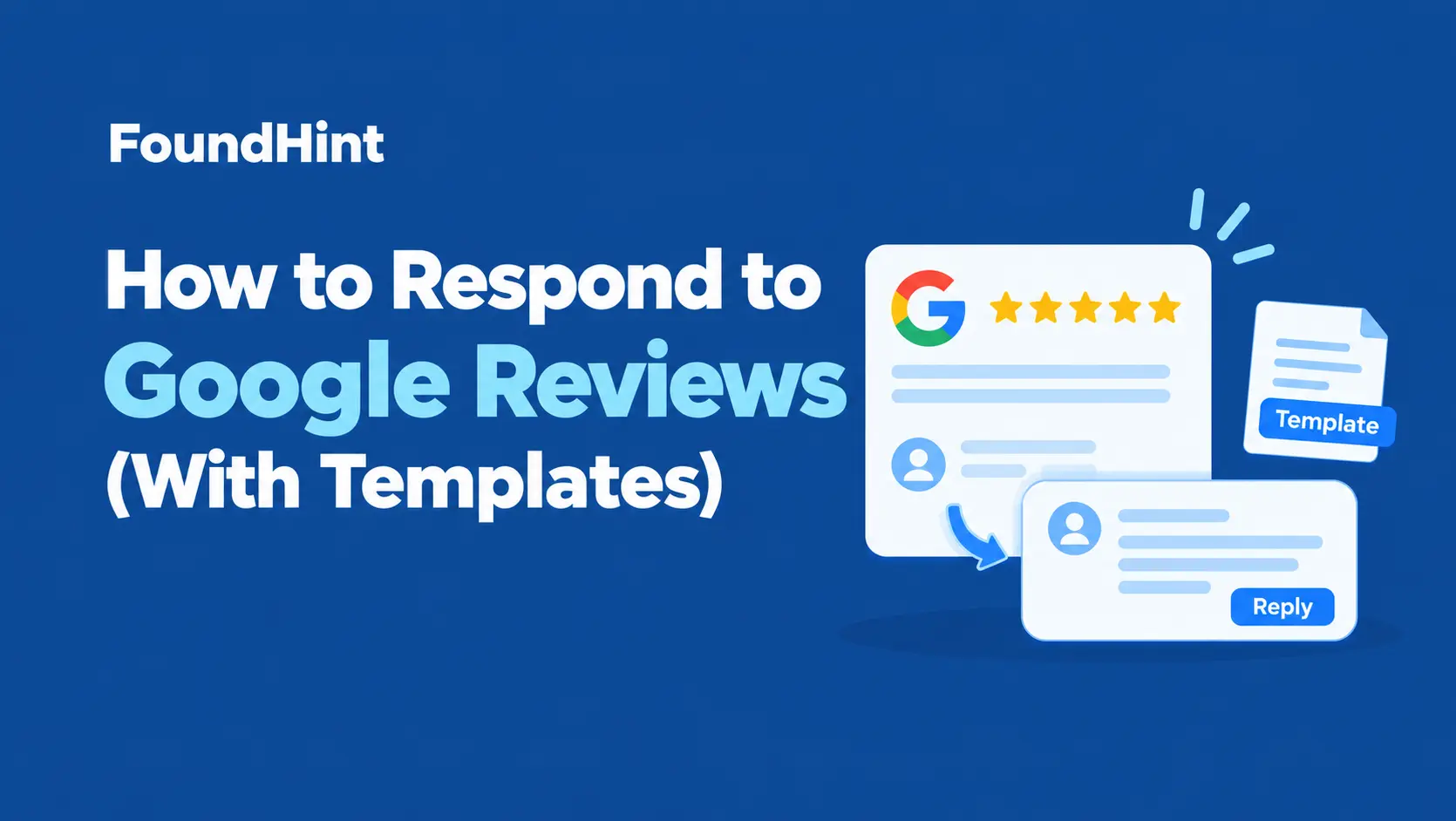
This guide shows you how to respond to Google reviews the right way, every time.
You’ll get a simple reply framework, more than 25 copy-ready templates for 5-star to 1-star reviews, scripts for tough situations like fake reviews and refund demands, the mistakes to avoid, and how to use auto-replies and AI to stay on top of every review without spending hours on it.
 FoundHint Local SEO WordPress
Optimize your Google Business Profile without leaving WordPress
Connect your GBP profile, compare it with your website and fix the gaps FoundHint finds.
- Business Profile audit and optimization
- Google Post scheduling
- Review management and replies
- Local rank tracking on a map grid
Why Responding to Google Reviews Matters?
- Future customers read your replies. A calm, helpful response to a complaint often reassures readers more than a perfect score would.
- It shows you’re active and care. Replies signal that a real person runs the business and listens.
- It can recover unhappy customers. A quick, sincere response sometimes turns a bad experience into a loyal customer, or even an updated review.
- It supports your local presence. Google encourages businesses to respond to reviews, and an engaged, well-maintained profile helps you stand out against competitors. Our breakdown of local SEO ranking factors explains where reviews fit.
- It encourages more reviews. Customers are more likely to leave a review when they see the business actually reads them.
If you want more reviews to reply to in the first place, see our guide on how to get more Google reviews.
Best Practices for Replying to Google Reviews
| Do | Don’t |
|---|---|
| Reply to every review, positive and negative | Only reply to complaints, or only to praise |
| Reply quickly, ideally within a day or two | Leave reviews unanswered for weeks |
| Use the reviewer’s name when available | Use one identical reply for everyone |
| Mention specifics from their review | Paste generic, robotic responses |
| Keep it short, usually two to four sentences | Write long essays or arguments |
| Stay professional, especially when it’s unfair | Get defensive, sarcastic, or emotional |
| Take detailed issues offline with a name and contact | Discuss private details or job specifics in public |
| Sign off with your name or role | Reveal customer information or confirm someone is a patient or client |
Should You Add Keywords to Review Replies?
A natural mention of your service or city is fine, like “Glad we could fix your water heater so quickly.” Stuffing replies with keywords looks spammy to customers and adds no real value. Write for the reader first.
A Simple Framework for Any Review Reply
Use this four-part structure and you’ll never stare at a blank reply box again.
| Step | Positive review | Negative review |
|---|---|---|
| 1. Greet | Use their name | Use their name |
| 2. Respond to the specifics | Thank them for the detail they mentioned | Acknowledge the issue and apologize where fair |
| 3. Add value | Mention something they might enjoy next time | Explain briefly what you’re doing about it, without excuses |
| 4. Close | Invite them back | Offer a direct contact to make it right |
Example (positive): “Thanks, Maria! We’re so glad the new AC is keeping your home cool. Don’t forget your free 12-month tune-up is included. See you next summer!“
Example (negative): “Hi James, I’m sorry our technician arrived late and didn’t call ahead. That’s not the service we promise. Please call me at [phone] so I can make this right. [Your Name], Owner“
Templates for 5-Star Google Reviews
Positive reviews deserve more than “Thanks!” A short, specific reply shows appreciation and gives future customers another reason to choose you.
1. General thank-you
Thank you so much, [Name]! We’re thrilled you had a great experience with [Business Name]. We can’t wait to see you again.
2. When they mention a team member
Thanks for the kind words, [Name]! I’ll make sure [Employee] sees this. They’ll be so happy to hear it made a difference.
3. When they mention a specific service
We’re so glad your [service] went smoothly, [Name]. Thanks for trusting us with it, and don’t hesitate to reach out if you need anything else.
4. First-time customer
Welcome, [Name], and thank you for giving us a try! We’re happy you enjoyed your first visit and hope to see you again soon.
5. Loyal, returning customer
[Name], thank you for being such a loyal customer all these years. Reviews like yours mean the world to our team.
6. Restaurant
Thank you, [Name]! We’re so glad you loved the [dish]. Our kitchen team will be thrilled. Hope to see you back soon.
7. Home services
Thanks, [Name]! We’re glad we could get your [problem] fixed quickly. Keep our number handy, and we’re here whenever you need us.
8. Professional services
Thank you for the kind review, [Name]. It was a pleasure working with you, and we appreciate you taking the time to share your experience.
Templates for 4-Star and 3-Star Google Reviews
These reviewers are mostly happy but saw room for improvement. Thank them, and show you take feedback seriously.
4-Star Reviews
9. General 4-star reply
Thanks for the great review, [Name]! We’re glad you enjoyed your experience. If there’s anything we could do to make it five stars next time, we’d love to hear it.
10. 4 stars with a small complaint
Thank you, [Name]. We’re happy you liked [positive point], and you’re right about [issue]. We’re already working on it, and we hope to wow you on your next visit.
11. 4 stars, no details
We appreciate the 4-star review, [Name]! Thanks for choosing [Business Name], and we hope to see you again soon.
3-Star Reviews
12. Mixed experience
Thanks for your honest feedback, [Name]. We’re glad [positive point] went well, and sorry [issue] fell short. We’d love the chance to do better. Please reach out at [phone or email].
13. Service was slow
Thank you, [Name]. I’m sorry for the wait during your visit. We’ve been adjusting our schedule to reduce wait times, and we hope you’ll give us another chance.
14. 3 stars, no details
Thanks for taking the time to rate us, [Name]. If you’re open to it, we’d love to hear what we could do better. Feel free to reach me at [contact].
Templates for 1-Star and 2-Star Google Reviews
Negative reviews are where your reply matters most. You’re writing for the reviewer and for every future customer who reads it.
How to Respond to Negative Google Reviews?
- Take a breath before replying
- Thank them for the feedback
- Apologize sincerely where it’s fair
- Don’t argue details in public
- Offer a direct way to resolve it offline
- Follow up and actually fix the problem
15. General negative review
Hi [Name], thank you for letting us know about your experience. I’m sorry we didn’t meet your expectations. Please contact me directly at [phone or email] so I can understand what happened and make it right. [Your Name], [Role]
16. Poor service or rude staff
[Name], I’m truly sorry about how you were treated. That’s not the standard we hold ourselves to, and I’m addressing it with our team. I’d appreciate the chance to talk with you directly at [contact].
17. Product or work quality issue
Hi [Name], I’m sorry the [product or work] didn’t meet your expectations. We stand behind our work, so please call us at [phone] and we’ll find a solution.
18. Long wait or missed appointment
[Name], I apologize for the wait and the disruption to your day. We know your time matters. Please reach out at [contact] so we can make this right.
19. Pricing complaint
Thanks for your feedback, [Name]. We aim to be upfront about pricing, and I’m sorry if that wasn’t clear. I’d be happy to walk through the details with you. Please call me at [phone].
Templates for Tough Situations
20. You can’t find them as a customer (possible fake review)
Hi [Name], we take every review seriously, but we can’t find a record of your visit. Please contact us at [contact] with more details so we can look into this.
If a review clearly breaks Google’s policies, like spam or a review from someone who was never a customer, you can also report it through your Business Profile.
21. Review meant for another business
Hi [Name], thanks for your review. It sounds like this may have been meant for a different business, as we don’t offer [service or product]. If we’ve misunderstood, please reach out at [contact].
22. Angry or abusive review
[Name], we’re sorry you’re frustrated. We’d like to understand and resolve the issue. Please contact our manager directly at [contact].
23. Refund demand
Hi [Name], I’m sorry you’re unhappy with [product or service]. Please contact me at [contact] with your order details, and I’ll personally review your situation.
24. Healthcare or legal (privacy-safe)
Thank you for your feedback. We take all concerns seriously, but to protect privacy we can’t discuss details here. Please contact our office directly at [phone] so we can help.
In healthcare and legal fields, never confirm someone is a patient or client in a public reply.
Replying to Reviews Without Text
Some customers leave only a star rating. They still deserve a reply, and it shows other readers you respond to everyone.
25. Star rating only, positive
Thanks so much for the great rating, [Name]! We appreciate you choosing [Business Name].
26. Star rating only, neutral
Thank you for rating us, [Name]. If there’s anything we could do better, we’d love to hear from you.
27. Star rating only, negative
We’re sorry your experience wasn’t what you hoped for, [Name]. Please reach out at [contact] so we can understand what went wrong.
Common Review Reply Mistakes
- Ignoring reviews, especially negative ones that sit at the top of your profile
- Copying the exact same reply for every review, which looks automated and insincere
- Arguing or blaming the customer, even when you think they’re wrong
- Sharing private details about the customer, their order, or their treatment
- Offering refunds or gifts in exchange for changing or removing a review, which breaks Google’s rules
- Over-promotion, like turning every reply into an ad
- Keyword stuffing service and city names into replies
- Replying in anger, then regretting it. Wait until you can respond calmly
For more on the rules around reviews, see our guide on how to get more Google reviews without breaking the rules.
Reply to Every Google Review From WordPress With FoundHint
FoundHint is a local SEO plugin for WordPress that brings your Google reviews into your WordPress dashboard, so replying becomes part of your routine instead of a task you keep putting off.

It connects your Google Business Profile to WordPress with no API keys or Google Cloud setup.
FoundHint Review Features
| Feature | What it does |
|---|---|
| Reply to all reviews | See every Google review in one place and reply directly from WordPress |
| Auto-reply by star rating | Set up automatic replies for 5, 4, 3, 2, 1, and 0 star reviews, each with its own template |
| AI review replies | Turn on AI-generated replies that respond to what each customer actually wrote |
| Get More Google Reviews link and QR code | Get your review link and a QR code to share with customers, so you have more reviews to reply to |
| Multi-location reviews | Manage reviews for every location from one dashboard |
FoundHint Local SEO WordPress
Optimize your Google Business Profile without leaving WordPress
Connect your GBP profile, compare it with your website and fix the gaps FoundHint finds.
- Business Profile audit and optimization
- Google Post scheduling
- Review management and replies
- Local rank tracking on a map grid
How to Set It Up?
- Connect your Google Business Profile to FoundHint.
- Open the reviews section to see all your Google reviews.
- Reply to any unanswered reviews.
- Set up auto-reply templates for each star rating, using the templates in this guide as a starting point.
- Turn on AI review replies if you want each reply tailored to the review.
- Share your review link and QR code with customers to keep new reviews coming in.
Beyond reviews, FoundHint also manages your Business Profile details and hours, posts and scheduled posts, photos, WooCommerce products and services, the Ranking Grid for map rankings, and citations.
Frequently Asked Questions
Should I respond to every Google review?
Yes. Replying to both positive and negative reviews shows customers you’re engaged and appreciate their feedback, and it builds trust with everyone reading your profile.
How quickly should I respond to Google reviews?
Aim for within 24 to 48 hours. Fast replies are especially important for negative reviews, since the reviewer and future customers are watching.
How do I respond to a negative Google review?
Thank the reviewer, acknowledge the issue, apologize where it’s fair, avoid arguing in public, and offer a direct way to resolve it offline. Then follow up and fix the problem.
What should I say in reply to a 5-star review?
Thank the customer by name, mention something specific from their review, and invite them back. Two or three sentences is plenty.
Can I use templates to reply to reviews?
Yes, as long as you personalize them with the customer’s name and details from their review. Rotate several versions so replies don’t look identical.
Is it okay to use AI to reply to Google reviews?
Yes. AI can help write personal replies at scale. Review replies to negative reviews closely, keep your brand voice, and never let AI share private details.
Can I delete a bad Google review?
No. You can only report reviews that break Google’s policies, like spam or fake reviews. For honest negative reviews, a thoughtful reply is your best response.
Can I edit my reply after posting it?
Yes. You can edit or delete your own reply from your Business Profile at any time.
Conclusion
Knowing how to respond to Google reviews turns every review, good or bad, into a chance to build trust. Reply to every review, reply quickly, use the customer’s name, mention specifics, and take problems offline with a real contact. Use the templates in this guide as a starting point, and personalize each one so it sounds like you.
As your reviews grow, auto-replies by star rating and AI-generated replies can keep your response time fast without losing the personal touch. Just keep a human eye on negative reviews and follow up on real problems. Do that consistently, and your replies will become one of the strongest reasons new customers choose you.