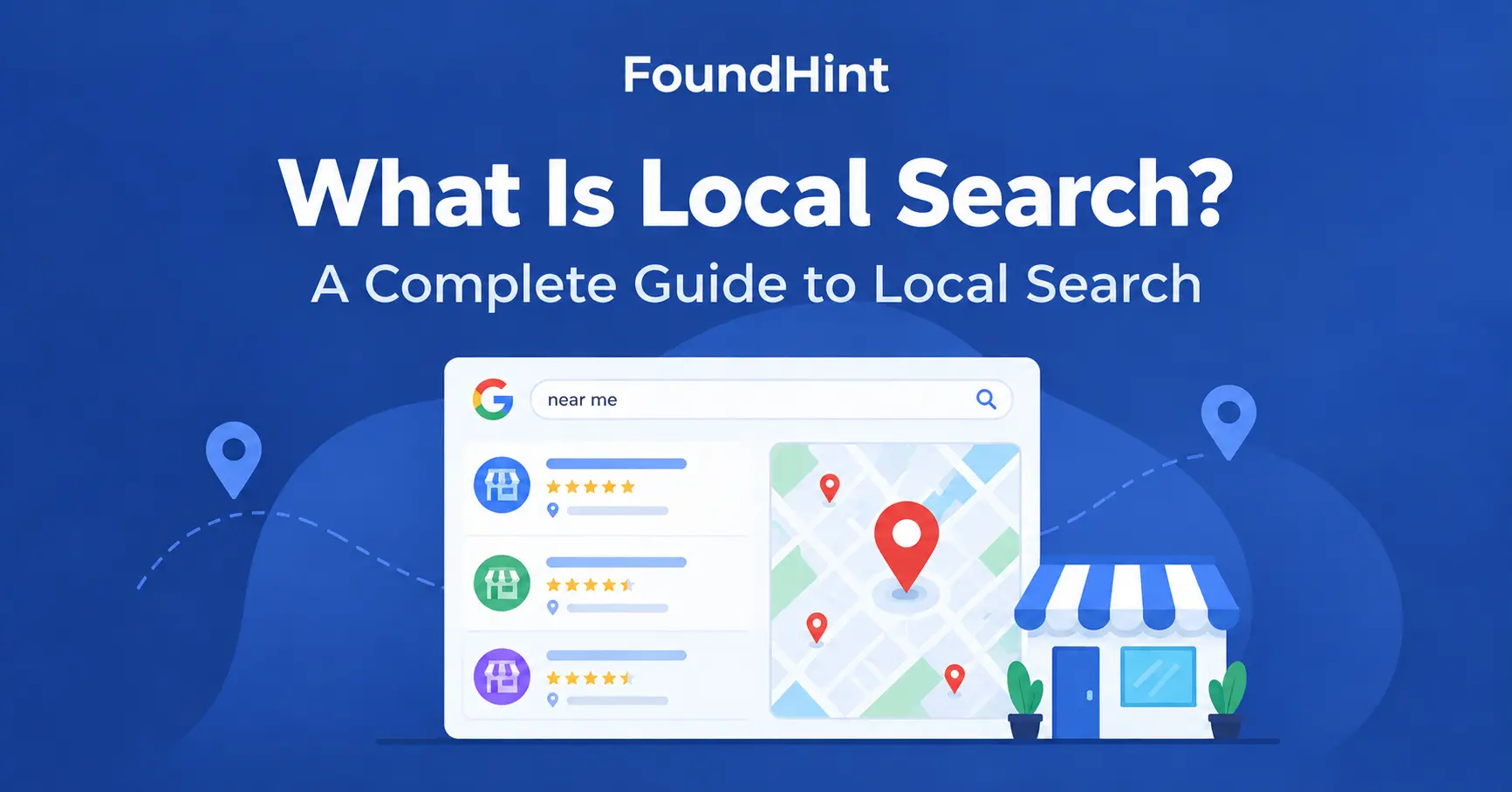
Local search is the process of finding businesses, services, products, places, or information relevant to a specific geographic area.
Every day, people type searches like “restaurant near me,” “dentist in “X” location , ” “plumber near me,” “coffee shop,” or “best SEO agency in X.”
Each of these is a local search. The person wants an answer tied to a place, usually one they can call, visit, or book today.
Local search happens on Google Search, Google Maps, and other platforms such as Apple Maps, Bing, and AI assistants.
In this guide, you will learn what local search means, how it works, where local results appear, and how businesses can become more visible to nearby customers.
What Is Local Search?
Local search is any search where the user wants results connected to a specific location. That location can be where the searcher is right now, or a place they name in the query.
The key ingredient is geographic intent. When someone searches “pharmacy near me,” they do not want an article about pharmacies. They want nearby businesses they can reach quickly.
A simple local search definition:
Local search is a search query with geographic intent, where the most useful results are nearby businesses, services, or places.
In practice, local search connects three things:
- A local search query – what the person types or says, such as “bakery in Banani.”
- A location – the searcher’s location or the area named in the query.
- Local search results – the nearby businesses and places a local search engine shows in response.
For businesses, local search is how local customers discover them. If your business serves a city, a neighborhood, or a service area, local search is often where new customers first find you.
How Does Local Search Work?
Local search works by matching what a person is looking for with businesses near the relevant location. The basic process looks like this:
- User search – a person types or speaks a query.
- Search intent – the search engine works out whether the query has local intent.
- Location – it identifies the searcher’s location or the place named in the query.
- Relevant businesses – it finds businesses that match the need in that area.
- Local results – it ranks and displays those businesses on Search, Maps, or both.
Google describes local ranking in terms of three main ideas: relevance, distance, and prominence. Here is how each part of the process fits together.
Search Query
The search query is what the user asks for, such as “emergency dentist” or “rooftop restaurant in Gulshan.” The words in the query tell Google what kind of business, product, or service the person needs.
Searcher’s Location
Location is what makes a search local. Google may use the location named in the query (“in Dhaka”) or the searcher’s device location, settings, and context when no place is mentioned.
Business Information
Google needs information about businesses that could match the search. This comes from sources such as Google Business Profiles, business websites, maps data, reviews, and mentions across the web.
Relevance
Relevance is how well a business matches the search. A business listed as a “Dental clinic” that mentions root canal treatment on its website is more relevant to “root canal Dhaka” than a general clinic with no mention of it.
Distance
Distance is how close the business is to the searcher or to the location in the query. If no location is given, Google estimates distance based on what it knows about the searcher’s location.
Prominence
Prominence is how well known or established a business appears. It can reflect reviews, ratings, links, articles, directory listings, and general brand recognition.
A well-known local landmark or a business with many genuine reviews tends to be more prominent.
Want to go deeper? Read our guide to Local SEO Ranking Factors.
Local Search Examples
Local searches come in many forms. Here are common examples of local search queries, grouped by what the person is doing.
| Search type | Example queries |
|---|---|
| Location-based searches | dentist in Dhaka, restaurant in Gulshan, SEO agency in Dhaka |
| Near-me searches | restaurant near me, pharmacy near me, coffee shop near me |
| Service searches | emergency plumber, nearby electrician, local SEO agency |
| Business searches | Starbucks near me, best restaurant nearby, local marketing agency |
| Place searches | hotels near airport, gas station near me, grocery store nearby |
What these examples share is intent: the person wants something they can find, visit, call, or use in a particular area.
Types of Local Search Queries
Not every local search looks the same. Most local search queries fall into four types.
“Near Me” Searches
“Near me” searches ask for results close to the searcher’s current location. Examples include “dentist near me,” “restaurant near me,” and “mechanic near me.” Google uses the device’s location context to decide what “near” means.
Location-Specific Searches
These follow a simple pattern: service + location. Examples include “plumber Dhaka,” “dentist Dhaka,” and “restaurant Gulshan.” The searcher names the area, so results focus on that place even if they are somewhere else right now.
Local Intent Without a Location
Some searches have local intent even when the user does not include a city or “near me.” If someone searches “coffee shop,” they almost certainly want a coffee shop nearby, not a history of coffee.
Google can interpret the query based on the user’s context and location and show local results anyway.
Branded Local Searches
Branded local searches combine a business name with a place.
Examples include “Starbucks Dhaka,” “Apple Store near me,” or any local business name plus a location. These searchers already know the brand and want the nearest branch, its hours, or directions.
Where Do Local Search Results Appear?
Local search results appear in several places, and each works a little differently. Treating them as one thing is a common mistake.
Google Search
When a query has local intent, the regular Google results page often mixes local features with standard web results. A searcher may see a map, a list of businesses, and websites all on one page.
Google Maps
Google Maps is a local search engine in its own right. People search directly in Maps for places, compare options, read reviews, and get directions. Results here are built around business profiles and the map view.
Local Pack
The Local Pack is the map and short list of businesses (usually three) shown near the top of Google Search for local queries. It is often the first thing a local searcher sees.
Local Finder
When a user clicks “More places” or “More businesses” under the Local Pack, they reach the Local Finder. This is an expanded list of local results with a larger map and filters such as rating or hours.
Organic Search Results
Below or beside local features, Google still shows standard organic results. For local searches these often include business websites, location pages, directories, and review sites.
A business can appear in the Local Pack, the organic results, or both.
What Is the Google Local Pack?
The Google Local Pack is the block of local business results shown prominently in Google Search, usually with a map and a short list of businesses.
Because it sits so high on the page, it captures a large share of attention for local searches.
Each listing in the Local Pack pulls information from the business’s Google Business Profile, including:
- Business name
- Category (for example, “Italian restaurant”)
- Location and distance
- Reviews and star rating
- Hours (open now, closes soon)
- Phone number
- Website link
- Directions
- Photos
Searchers can often act directly from the Local Pack by calling, visiting the website, or getting directions without ever opening a website.
To learn what influences which businesses appear here, read Local SEO Ranking Factors.
Local Search vs Local SEO
Local search is the behavior. Local SEO is the process of improving a business’s visibility in relevant local search results.
| Local Search | Local SEO | |
|---|---|---|
| What it is | What users search for | How businesses optimize |
| Focus | Search behavior | Optimization strategy |
| Driven by | User intent | Business visibility |
| Where it happens | Google Search and Google Maps | Website, Google Business Profile, and other signals |
In short, local search is the demand side: people looking for nearby solutions. Local SEO is the supply side: the work a business does so it shows up when those people search.
To learn the full process, read What Is Local SEO? The Complete Guide.
Local Search vs Traditional Search
The biggest difference is that location shapes local results, while traditional search results are mostly the same no matter where the searcher is.
| Local Search | Traditional Search |
|---|---|
| Location matters | Location may not matter |
| Shows local businesses | Shows broader websites and content |
| Geographic intent | General or informational intent |
| Maps are often important | Usually standard web results |
| Nearby results | Global or national results |
For example, “how to fix a leaking tap” is a traditional search: the best answer is the same in Dhaka or London. “Plumber near me” is a local search: the best answer depends entirely on where the searcher is.
What Information Helps Google Understand Local Businesses?
Google builds its understanding of a local business from many pieces of information. None of these is a fixed ranking formula on its own, but together they help Google decide what a business is, where it is, and when to show it.
| Information | Why it helps |
|---|---|
| Business name | Identifies the business consistently across the web |
| Address | Places the business on the map and sets distance |
| Phone number | Confirms the business is real and reachable |
| Website | Gives detail about services, locations, and expertise |
| Business category | Tells Google what type of business it is |
| Services | Matches the business to specific searches |
| Business hours | Helps Google show businesses that are open |
| Reviews | Signal reputation and customer experience |
| Photos | Show the location, products, and team |
| Location | Defines the area the business serves |
| Website content | Adds relevance for local topics and services |
| Business mentions | Citations and coverage that build prominence |
The most important principle is accuracy and consistency. When your name, address, phone number, and hours match everywhere they appear, Google can trust the information and show it with confidence.
Tip: Checking every listing by hand is slow and easy to get wrong. The FoundHint Local SEO Plugin helps you audit your business information so mismatched details are easier to spot and fix.
 FoundHint Local SEO WordPress
Optimize your Google Business Profile without leaving WordPress
Connect your profile, compare it with your website and fix the gaps FoundHint finds.
- Business Profile audit and optimization
- Google Post scheduling
- Review management and replies
- Local rank tracking on a map grid
What Is Local Search Intent?
Local search intent is the goal behind a local search. Understanding it helps businesses create the right content and profile information for each type of searcher.
Find a Business
The person wants to discover businesses of a certain type nearby. Example: “restaurant near me.”
Find a Service
The person has a problem and needs someone to solve it, often urgently. Example: “emergency plumber near me.”
Visit a Place
The person plans to go somewhere in person, soon. Example: “coffee shop near me.”
Compare Businesses
The person is weighing options and wants to know which is best. Example: “best dentist in Dhaka.” Reviews, ratings, and photos matter most here.
Take an Action
Many local searches end in a direct action. The searcher wants to:
- Call the business
- Visit the website
- Get directions
- Book an appointment or table
- Visit the business in person
The easier you make these actions, the more local searches turn into real customers.
Why Is Local Search Important?
Local search matters because it reaches people at the moment they are ready to act. Someone searching “AC repair in Mirpur” is not browsing; they need help now.
For local businesses, that makes local search one of the most valuable sources of customers.
Strong local search visibility can bring:
- Local discovery – new customers find you for the first time
- Website visits – searchers click through to learn more
- Phone calls – direct calls from search results and Maps
- Directions – people plan a route to your location
- Store visits – foot traffic to your physical business
- Leads – enquiries and form submissions
- Appointments – bookings for services
- Sales – purchases online or in store
- Brand visibility – your name appears again and again in your area
This is why local search marketing is a core part of growth for restaurants, clinics, agencies, shops, and service providers. Local business visibility often decides who gets the customer and who gets overlooked.
How to Improve Local Search Visibility?
Improving local search visibility comes down to giving search engines accurate, relevant, and trustworthy information about your business. Here is a practical overview.
Optimize Google Business Profile
Claim and verify your profile. Choose the most accurate primary category, add services, hours, photos, and a clear description. Keep it updated.
See Google Business Profile Optimization.
Optimize Your Website
Make sure your website clearly states what you do and where you do it. Include your name, address, and phone number, and make it fast and mobile-friendly.
See Local On-Page SEO.
Create Local Content
Publish content that is useful to people in your area, such as location pages, local guides, case studies from local customers, and answers to common local questions.
Target Local Keywords
Research the terms people in your area actually use, such as “dentist in Uttara” or “SEO agency Dhaka.” Use them naturally in titles, headings, and page content.
Maintain Accurate Business Information
Keep your name, address, phone number, website, and hours consistent everywhere. Inconsistent details create confusion for both customers and search engines.
Build Local Citations
List your business on relevant directories and platforms in your country, city, and industry.
See Local Citations.
Earn Genuine Reviews
Ask happy customers to leave honest reviews, and respond to every review, positive or negative. Never buy or fake reviews.
Build Relevant Local Links
Earn links from local news sites, partners, associations, sponsorships, and community organizations. See Local Link Building.
Add Structured Business Data
Use LocalBusiness schema markup to describe your business details in a format search engines can read easily.
Not sure where to start? A Local SEO Audit shows what is working and what needs attention.
The FoundHint Local SEO Plugin makes this easier by bringing your local SEO checks into one place, so you can see which of the steps above still need work.
FoundHint Local SEO WordPress
Optimize your Google Business Profile without leaving WordPress
Connect your profile, compare it with your website and fix the gaps FoundHint finds.
- Business Profile audit and optimization
- Google Post scheduling
- Review management and replies
- Local rank tracking on a map grid
How Mobile Search Affects Local Discovery?
Smartphones turned local search into an everyday habit. People search while walking, driving, or standing outside a shop, and they expect instant, location-aware answers.
Mobile shapes local search in several ways:
- GPS and location context – phones give search engines a precise sense of where the searcher is, which sharpens “near me” results.
- “Near me” searches – mobile users often skip typing a city and rely on their location instead.
- Directions – one tap opens turn-by-turn navigation to the business.
- Click-to-call – searchers call directly from the results page.
- Maps – many mobile users start their search inside a maps app rather than a browser.
- Mobile-friendly websites – if your site is slow or hard to use on a phone, searchers leave and choose a competitor.
For local businesses, the mobile experience is often the whole experience. Your profile, website, and phone number need to work perfectly on a small screen.
How AI Is Changing Local Search?
AI search is changing how people discover local businesses. Instead of scanning a list of links, searchers increasingly get AI-generated answers, such as Google’s AI Overviews, or ask AI assistants for direct recommendations like “a quiet cafe in Dhanmondi to work from.”
To give these answers, AI systems rely on clear, trustworthy information about local business entities. That puts more weight on:
- Structured business information – schema markup and complete profiles that machines can read easily.
- Reviews and reputation – what customers say about you helps AI decide whether to recommend you.
- Business information consistency – matching details across your website, profiles, and directories make your business easier to verify.
- Clear, descriptive content – pages that plainly explain what you offer, where, and for whom.
The good news: the fundamentals of local SEO are also the fundamentals of AI local search. Learn more in AI Search for Local Businesses.
Local Search Optimization Checklist
Use this checklist to review your local search visibility.
Business
- Accurate business information
- Correct category
- Correct location
- Current hours
- Services listed
Website
- Local keywords
- Relevant local content
- Location pages
- Mobile-friendly design
- Structured data
Reputation
- Genuine reviews
- Review responses
- Consistent business information
Visibility
- Google Business Profile
- Local citations
- Relevant local links
- Local mentions
Want to run this checklist faster? Use the FoundHint Local SEO Plugin to audit your local SEO and track what is done and what is missing.
Frequently Asked Questions About Local Search
What is local search?
Local search is a search for businesses, services, products, or places within a specific geographic area. The results depend on the searcher’s location or the location named in the query.
What is an example of local search?
“Dentist in Dhaka,” “restaurant near me,” and “coffee shop” are all examples of local search. Each one asks for nearby options rather than general information.
How does Google local search work?
Google matches the search query with businesses near the relevant location. It mainly considers relevance (how well a business matches), distance (how close it is), and prominence (how well known it is).
What is a local search query?
A local search query is any search with geographic intent. It may include a place name, the phrase “near me,” or no location at all when the intent is clearly local.
What is the difference between local search and local SEO?
Local search is what customers do: search for nearby businesses. Local SEO is what businesses do: optimize so they appear in those local search results.
What is the Google Local Pack?
The Google Local Pack is the map and short list of local businesses shown near the top of Google Search results for local queries. It displays details like reviews, hours, phone, and directions.
How do I appear in local search?
Start by creating and verifying a Google Business Profile, choosing the right category, and adding complete, accurate information. Then support it with a locally optimized website, citations, and genuine reviews.
How do I improve my local search visibility?
Optimize your Google Business Profile, target local keywords, create local content, keep business information consistent, earn reviews, build local links, and add structured data.
Why are “near me” searches local searches?
“Near me” searches ask for results close to the searcher’s current location. Google uses location context to show nearby businesses, which makes them local by definition.
Does Google Maps use local search?
Yes. Google Maps is a local search engine. Every search in Maps, such as “pharmacy” or “petrol pump,” returns local results based on the map area and the searcher’s location.
Conclusion
Local search is how people find what they need nearby, from a late-night pharmacy to the best SEO agency in Dhaka. It runs on three ideas: what the person is searching for, where they are, and which businesses best match that need.
For businesses, showing up in local search is not luck. It comes from accurate business information, a strong Google Business Profile, a locally optimized website, genuine reviews, and consistent signals across the web.
That work is called local SEO, and you can learn the full process in What Is Local SEO? The Complete Guide.
Ready to put this into practice? The FoundHint Local SEO Plugin helps you manage and audit your local SEO, so you can find what is holding back your local search visibility and fix it with confidence.