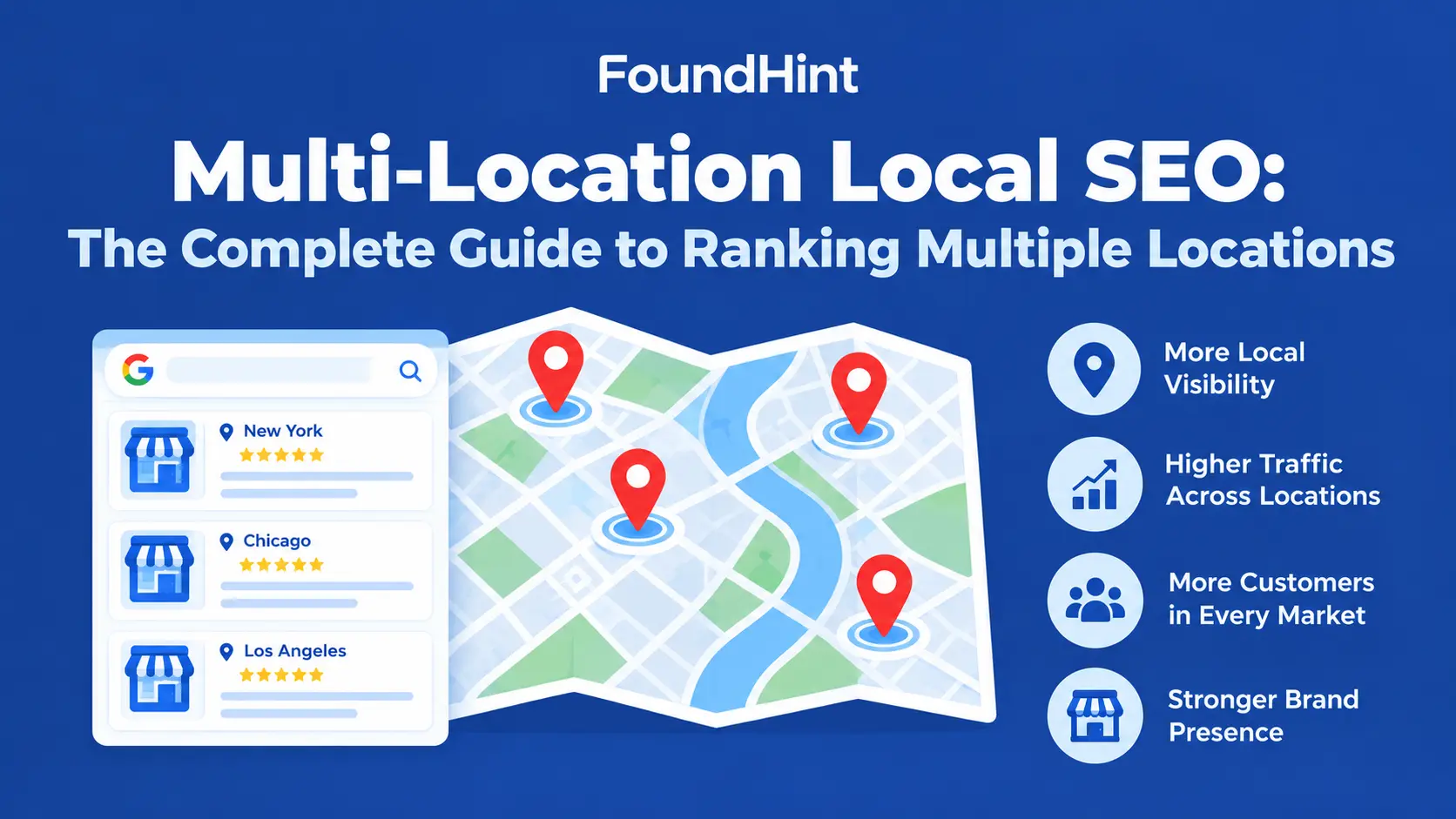
Ranking one business location in local search is hard enough. Ranking five, twenty, or a hundred locations, each in its own city with its own competitors, is a different challenge entirely.
A dental group with clinics in New York, Chicago, and Dallas doesn’t need one website that ranks nationally for “dentist.”
It needs the New York clinic to appear when someone in Brooklyn searches “dentist near me,” the Chicago clinic to show up in Lincoln Park, and the Dallas clinic to win in Uptown.
That’s what multi-location local SEO is for.
In this complete guide, you’ll learn how to structure a multi-location website, create SEO-friendly location pages, research keywords for multiple cities, manage Google Business Profiles, keep NAP and schema accurate, avoid duplicate location pages, and track multi-location local ranking and visibility.
You’ll also see how the FoundHint Local SEO Plugin for WordPress helps you manage every location from one place.
 FoundHint Local SEO WordPress
Optimize your Google Business Profile without leaving WordPress
Connect your profile, compare it with your website and fix the gaps FoundHint finds.
- Business Profile audit and optimization
- Google Post scheduling
- Review management and replies
- Local rank tracking on a map grid
What Is Multi-Location Local SEO?
Multi-location local SEO is the process of improving local search visibility for a business with more than one physical location, so each location can appear in Google Search, Google Maps, and the Local Pack for searches in its own area.
It combines multi-location website SEO (how your site is structured and optimized) with location-level local SEO (Google Business Profiles, citations, reviews, and local content for each branch).
SEO for multi-location businesses applies to dental groups, restaurant chains, retail stores, law firms with several offices, healthcare networks, gyms, and franchises.
Why Local SEO Matters for Businesses With Multiple Locations
Local SEO for multi-location businesses matters because:
- Customers choose the nearest location. Someone in Chicago doesn’t care about your Dallas clinic.
- Each location competes locally. Your New York office competes with New York businesses, not with your own other branches.
- Google ranks locations individually. Each Google Business Profile has its own relevance, distance, and prominence.
- Brand strength doesn’t transfer automatically. A well-known brand still needs location-specific pages, profiles, and reviews.
- Errors multiply. One wrong phone number becomes a problem across many listings if information isn’t managed centrally.
Strong multi-location local visibility means every branch gets its fair share of nearby customers.
Multi-Location SEO vs Traditional Local SEO
| Traditional local SEO | Multi-location SEO |
|---|---|
| One location, one profile | Many locations, many profiles |
| One set of NAP details | Separate NAP for every location |
| One contact page | A dedicated page for each location |
| One review profile | Reviews managed per location |
| Simple tracking | Multi-location SEO tracking across cities |
| Manual management works | Centralized processes and tools needed |
The principles are the same as single-location local SEO. The difference is scale, structure, and consistency. For the franchise-specific version of this topic, see Franchise Local SEO: The Complete Guide.
How to Structure a Multi-Location Website
How should a multi-location business structure its website? Keep every location on one domain, in a clear /locations/ section:
/
├── services/
│   ├── service-a/
│   └── service-b/
│
├── locations/
│   ├── new-york/
│   │   ├── service-a/
│   │   └── service-b/
│   │
│   ├── chicago/
│   │   ├── service-a/
│   │   └── service-b/
│   │
│   └── dallas/
│       ├── service-a/
│       └── service-b/
│
├── about/
├── contact/
└── blog/| Page | Example URL | Role |
|---|---|---|
| Locations hub | /locations/ | Lists every location with links (a store locator) |
| Location page | /locations/new-york/ | The main page for one location |
| Location service page | /locations/chicago/dental-implants/ | Only when that location has unique service details |
| Brand service page | /services/dental-implants/ | Explains the service across all locations |
Important: Don’t automatically create every service × location combination. Ten services across 20 cities would mean 200 pages, most of them near-duplicates. Each page should provide genuinely useful, location-specific information.
How to Create SEO-Friendly Location Pages
Should each business location have its own page? Yes, every real location should have one dedicated, useful page. Here’s what multi-location on-page SEO looks like for each one:
| Element | Example (Chicago location) |
|---|---|
| URL | /locations/chicago/ |
| Title tag | Dentist in Chicago (Lincoln Park) | BrightSmile Dental |
| H1 | BrightSmile Dental – Lincoln Park, Chicago |
| NAP | 2400 N Clark St, Chicago, IL 60614 · (312) 555-0141 |
| Hours | Location-specific opening hours |
| Unique description | Local team, years in the neighborhood, what makes this clinic different |
| Services offered here | Only services this location actually provides |
| Map and directions | Embedded map, parking, nearest transit stop |
| Local photos | Real photos of this clinic and team |
| Reviews | Testimonials from this location’s patients |
| Local FAQs | “Is there parking near the Lincoln Park clinic?” |
| LocalBusiness schema | This location’s own structured data |
| Google Business Profile link | Links to and from this location’s profile |
| Internal links | Locations hub, nearby locations, service pages |
This is how you build SEO service pages for multiple locations that actually help customers instead of repeating the same text with a different city name.
Local Keyword Research for Multiple Locations
How do you do keyword research for multiple locations? Start with your core services, then research how people search for them in each city.
Step 1: List your core services. For BrightSmile Dental: dentist, dental implants, teeth whitening, emergency dentist.
Step 2: Add location modifiers. Combine each service with each city and key neighborhoods:
| Keyword type | New York | Chicago | Dallas |
|---|---|---|---|
| Service + city | dentist New York | dentist Chicago | dentist Dallas |
| Service + neighborhood | dentist Brooklyn | dentist Lincoln Park | dentist Uptown Dallas |
| Near me | dentist near me | dentist near me | dentist near me |
| Specific service + city | dental implants NYC | emergency dentist Chicago | teeth whitening Dallas |
Step 3: Check demand per market. Search volume and competition differ by city. A term that’s competitive in New York may be easy in Dallas.
Step 4: Map keywords to pages.
- City-level terms → location page
- Service-level terms → brand service page
- High-demand service + city terms → a location service page, only if it can be genuinely unique
Step 5: Use local language. People in New York may search “NYC” or a borough; people in Dallas may search “DFW.” Reflect the way locals actually talk.
See Local Keyword Research for the full process.
Google Business Profile for Multiple Locations
How do you optimize Google Business Profiles for multiple locations? Give every real location its own verified profile and manage them together.
- Use a business group. Manage all your GBP listings under one organization account, with location-level access for local managers.
- One profile per location. Never combine two branches into one listing, and never create profiles for places without a real location or staff.
- Consistent naming. Use your real brand name the same way everywhere, such as “BrightSmile Dental.”
- Accurate categories. Use the same primary category for locations that offer the same core service.
- Location-specific details. Each profile gets its own address, phone, hours, photos, and services.
- Link to the location page. Set each profile’s website field to that location’s page (e.g. /locations/dallas/), not the homepage.
- Bulk updates for shared changes. Use bulk editing for holiday hours or brand-wide updates, but check each location afterward.
- Monitor for duplicates and edits. Watch for duplicate listings and unwanted public edits.
See Google Business Profile Optimization for profile-level detail.
NAP Consistency Across Locations
Each location needs its own accurate name, address, and phone number, used the same way on its location page, Google Business Profile, schema, and citations:
BrightSmile Dental
│
├── New York
│   ├── 450 Atlantic Ave, Brooklyn, NY 11217
│   └── (718) 555-0123
│
├── Chicago
│   ├── 2400 N Clark St, Chicago, IL 60614
│   └── (312) 555-0141
│
└── Dallas
    ├── 2501 McKinney Ave, Dallas, TX 75201
    └── (214) 555-0167
The most common multi-location NAP mistake is using the head office’s address or a central phone number on every location’s page or listing. Keep a master record for each location and use it everywhere. See NAP Consistency for Local SEO.
LocalBusiness Schema for Multiple Locations
Each location page should carry its own LocalBusiness schema, with a unique @id, address, phone, and hours, linked to the main brand with parentOrganization:
<script type="application/ld+json">
{
  "@context": "https://schema.org",
  "@type": "Dentist",
  "@id": "https://www.brightsmiledental.com/locations/chicago/#localbusiness",
  "name": "BrightSmile Dental - Chicago",
  "url": "https://www.brightsmiledental.com/locations/chicago/",
  "telephone": "+1-312-555-0141",
  "address": {
    "@type": "PostalAddress",
    "streetAddress": "2400 N Clark St",
    "addressLocality": "Chicago",
    "addressRegion": "IL",
    "postalCode": "60614",
    "addressCountry": "US"
  },
  "parentOrganization": {
    "@type": "Organization",
    "@id": "https://www.brightsmiledental.com/#organization",
    "name": "BrightSmile Dental"
  }
}
</script>
Don’t put every location’s schema on the homepage, and don’t copy one location’s schema onto another location’s page.
See LocalBusiness Schema for WordPress for the full guide.
Local Citations for Multiple Locations
Every location needs its own set of citations on:
- Major platforms: Apple Business Connect, Bing Places, Yelp, BBB, Facebook
- Industry directories: such as Healthgrades or Zocdoc for dental groups
- Local sources: each city’s chamber of commerce and local directories
Multi-location citation rules:
- One listing per location per platform
- Each listing uses that location’s NAP and links to its location page
- Watch for directories merging two nearby branches into one listing
- Update every listing when a location moves, changes its phone number, or closes
See Local Citations for Local SEO.
Reviews and Reputation Management
Reviews belong to each location, and each location’s reputation affects its local visibility and conversion rate.
- Request reviews at every location. Give each branch a short review link for its own Google Business Profile.
- Respond to every review. Set brand-wide response guidelines, but let local managers add personal details.
- Monitor all locations in one place. Spot a struggling branch quickly.
- Compare locations. If one location’s average rating trails the others, look at the feedback for operational issues.
- Never gate or fake reviews. Ask all customers, not just happy ones, and never post reviews yourself.
See Local SEO Reviews.
Local Content Strategy for Multiple Cities
The biggest risk in local SEO for multiple cities is publishing the same content with only the city name changed. Instead, give each location content only it could have:
| Content idea | New York example | Dallas example |
|---|---|---|
| Local team | Meet the Brooklyn dentists | Meet the Uptown Dallas team |
| Local FAQs | Is there street parking on Atlantic Ave? | Do you have evening hours for downtown workers? |
| Community involvement | Brooklyn school dental health program | Dallas youth soccer sponsorship |
| Local guides | How to find a dentist that takes NY insurance plans | Summer dental care tips for Texas families |
| Local case studies | Patient stories from the Brooklyn clinic | Patient stories from the Dallas clinic |
| Local events | Free screening day in Park Slope | Open house in Uptown |
Shared, brand-wide content such as service explanations belongs on brand service pages and the blog, linked from each location page.
Internal Linking for Multi-Location Websites
A clear internal linking structure helps visitors and search engines find every location:
Homepage → Locations hub → Location page → Location service page → Contact / Book| From | Link to |
|---|---|
| Homepage and main menu | Locations hub (“Find a location”) |
| Locations hub | Every location page |
| Location page | Its services, nearby locations, contact or booking |
| Brand service pages | Locations that offer that service |
| Blog posts | Relevant service pages and locations |
| Footer | Locations hub or top locations |
Use descriptive anchor text like “our Lincoln Park dental clinic” rather than “click here.” Make sure no location page is orphaned.
How to Avoid Duplicate Location Pages
How do you avoid duplicate content on location pages? Use a shared layout but unique substance:
| Can be shared (template) | Must be unique (per location) |
|---|---|
| Page layout and design | Description and introduction |
| Brand logo and core service names | Address, phone, hours, map |
| Booking form | Team members and photos |
| Trust badges | Reviews and testimonials |
| Brand-wide service descriptions (short) | Local FAQs, directions, parking |
| Services offered at that location | |
| Local community or case-study content |
Other ways to prevent duplicates:
- Create pages only for real locations. Use service-area content for cities you serve without an office.
- Merge or remove thin pages that duplicate each other, with 301 redirects.
- Don’t build service × city pages unless each one has unique, useful content.
- Check that each page has a unique title tag, meta description, and H1.
How to Rank One Business in Multiple Cities
How do you rank a business in multiple cities? It depends on whether you have a real location in each city.
If you have a physical location in each city:
- Create a Google Business Profile for each location.
- Build a dedicated location page for each.
- Add location-specific citations, reviews, and schema.
If you serve several cities from one location (a service-area business):
- Set your service areas in your Google Business Profile.
- Create genuinely useful service-area pages on your website, with local projects, testimonials, and details for each city.
- Mention the cities you serve naturally on service pages.
- Earn local links and mentions in each city you serve.
Important: Maps and Local Pack rankings depend heavily on proximity, so a business is unlikely to rank in the map pack in a city far from its real location. Never create fake addresses or virtual offices to appear in multiple city searches. It violates Google’s guidelines and can lead to suspended listings. Organic rankings for service-area pages are the legitimate way to reach nearby cities.
Multi-Location Local SEO Challenges
| Challenge | How to handle it |
|---|---|
| Duplicate location pages | Unique content and data for each location |
| Inconsistent NAP | One master record per location |
| Duplicate Google listings | Monitor and request merges or removals |
| Head office details on branch listings | Location-specific details everywhere |
| Managing many Google Business Profiles | Business groups, roles, and bulk updates |
| Keeping hours current | Central updates plus local checks |
| Review management at scale | Centralized monitoring, local responses |
| Citation management | Regular citation checks per location |
| Location openings and closures | Documented launch and closure checklists |
| Tracking performance by location | Location-level reporting |
How to Manage SEO Across Many Locations
How do you manage local SEO for a multi-location business? Combine central control with local execution:
| Managed centrally | Managed per location |
|---|---|
| Website structure and location page templates | Local photos, team bios, and FAQs |
| Master business information for every location | Hours and holiday updates |
| Naming, category, and brand standards | Review requests and responses |
| LocalBusiness schema setup | Local content and community news |
| Citation audits | Local partnerships and links |
| Reporting and audits | Feedback on local issues |
The best multi-location SEO strategy uses one source of truth for every location’s business information. When a branch changes its phone number, that change should flow to its location page, schema, Google Business Profile, and citations, not live in someone’s inbox.
Multi-Location SEO Tracking and Reporting
How do you track local rankings across multiple locations? Track each location separately and compare them side by side.
| Metric | Why it matters |
|---|---|
| Local rankings per location | Shows each branch’s position for its key searches |
| Local Pack / Maps visibility | Shows how often each location appears in the map |
| Google Business Profile interactions | Calls, website clicks, direction requests per location |
| Organic traffic to location pages | Shows which location pages attract visitors |
| Conversions per location | Bookings, calls, and form fills by branch |
| Reviews per location | Count, average rating, and response rate |
| Citation consistency | Accuracy of each location’s listings |
| Technical and on-page issues | Errors on location pages |
Because Maps results change block by block, multi-location local ranking tracking works best with grid-based or city-level rank checks for each location, rather than one national ranking.
Manage Multi-Location Local SEO in WordPress With FoundHint
If your multi-location website runs on WordPress, the FoundHint Local SEO Plugin turns this guide into one workflow, instead of spreadsheets, separate tools, and manual checks for every branch.
Business Locations → Location Pages → Google Business Profile → NAP → Citations → LocalBusiness Schema → Reviews → Local SEO Audit → Tracking| Multi-location task | How FoundHint helps |
|---|---|
| Keeping every location’s details accurate | Store a master business record for each location |
| Location pages | Use each location’s own NAP, hours, and service areas on its page |
| NAP consistency | Keep website details consistent across every location |
| Local citations | Run a local citation check per location to find NAP mismatches and missing listings |
| LocalBusiness schema | Generate location-specific schema with parentOrganization links |
| Spotting issues | Run a local SEO audit across your location pages |
| Knowing which locations need attention | See local SEO issues for every location in one place |
FoundHint works as multi-location local SEO software inside your existing WordPress site. Your location pages, structured data, and citation checks all use the same business information, so a change at one branch doesn’t leave stale details elsewhere.
Multi-Location Local SEO Checklist
Website
- All locations on one domain under /locations/
- Locations hub links to every location page
- Each real location has a dedicated page
- Each location page has unique content, title, and H1
- No thin or duplicate service × city pages
- Location pages are internally linked
Business information
- Master record for every location
- Correct NAP on each location page
- LocalBusiness schema per location
- No head office details on branch pages
Google Business Profile and citations
- One verified profile per location
- Profiles link to their location pages
- Citations accurate for each location
- Duplicate listings identified and resolved
Reputation and content
- Reviews requested and answered at every location
- Local content created for each city
Tracking
- Local rankings tracked per location
- GBP performance reviewed per location
- Regular local SEO audit scheduled
Frequently Asked Questions
What is multi-location local SEO?
Multi-location local SEO is the process of improving local search visibility for a business with several locations, so each location can rank in its own area.
How do I do local SEO for multiple locations?
Create a page and Google Business Profile for each real location, keep NAP consistent, add location-specific schema and citations, manage reviews per location, and track each location’s performance.
How do I rank a business in multiple cities?
With a physical location in each city, optimize a profile and page for each. If you serve several cities from one location, use service areas and useful service-area pages, never fake addresses.
How do I optimize SEO for multiple locations?
Use a clear /locations/ structure, unique location pages, local keywords for each market, accurate business data, and strong internal linking.
How should a multi-location business structure its website?
Keep all locations on one domain with a locations hub and a subfolder page for each location, such as /locations/chicago/.
Should each business location have its own page?
Yes. Every real location should have its own useful page with its NAP, hours, services, map, photos, and reviews.
How do I optimize Google Business Profiles for multiple locations?
Manage them in a business group, give each location its own verified profile with accurate details, use consistent naming and categories, and link each to its location page.
How do I do keyword research for multiple locations?
Combine core services with each city and neighborhood, check demand per market, and map city-level terms to location pages.
How do I avoid duplicate content on location pages?
Share the layout but write unique descriptions, FAQs, team details, photos, and reviews for each location, and avoid thin service × city pages.
How do I track local rankings across multiple locations?
Track each location separately with city-level or grid-based rank tracking, and compare GBP interactions, traffic, and reviews by location.
What is the best SEO strategy for multiple locations?
One domain, one useful page and profile per location, one master record per location, consistent citations, active review management, and location-level tracking.
How do I manage local SEO for a multi-location business?
Centralize structure, business information, schema, audits, and reporting, and let each location handle local photos, reviews, and content.
Final Thoughts
Multi-location local SEO is local SEO, multiplied. Each location needs its own page, profile, NAP, schema, citations, reviews, and tracking, all held together by one consistent brand and one accurate set of business data.
If you run your multi-location website on WordPress, the FoundHint Local SEO Plugin helps you manage location-specific business information, generate LocalBusiness schema, run local citation checks, and audit local SEO across every location from one dashboard.
To keep learning, read Franchise Local SEO, NAP Consistency for Local SEO, LocalBusiness Schema for WordPress, Local Citations for Local SEO, and WordPress Site Structure for Service Businesses.