Your WordPress website looks great, but it isn’t doing much work. Customers still call to book appointments, quote requests get lost in your inbox, you’re not sure your site is backed up, and you’ve lost count of the plugins you installed “just in case.”
Most plugin lists don’t help, because they’re all about SEO or packed with 30 tools that do the same thing.
This guide is different.
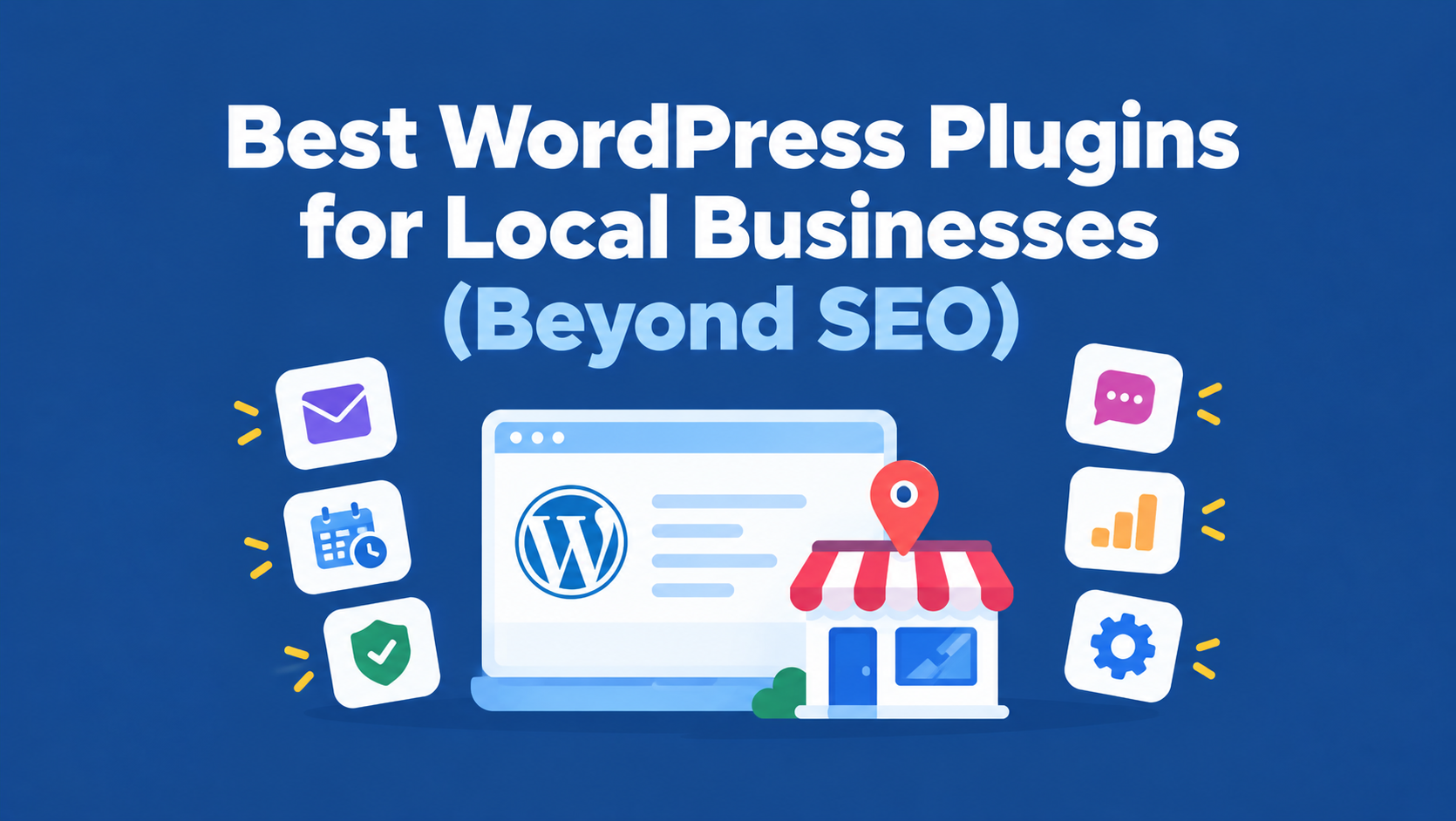
It’s organized around what a local business actually needs to run day to day: bookings, contact forms and leads, payments, security, backups, speed, reviews, and local visibility.
For each need, you’ll see the best WordPress plugins for local businesses, who they’re for, their main limitations, and what to check before installing.
You’ll also get ready-made plugin stacks for a restaurant, a home-service business, a professional practice, a local retailer, and a multi-location brand, plus tips for keeping your site fast and avoiding plugins that overlap.
 FoundHint Local SEO WordPress
Optimize your Google Business Profile without leaving WordPress
Connect your profile, compare it with your website and fix the gaps FoundHint finds.
- Business Profile audit and optimization
- Google Post scheduling
- Review management and replies
- Local rank tracking on a map grid
Best WordPress Plugins for Local Businesses at a Glance
Here’s the quick version: one strong pick per business need, plus an alternative. Features, free plans, and pricing change often, so check each plugin’s current listing before installing.
| Business need | Top pick | Alternative | Free option? | Main limitation |
|---|---|---|---|---|
| Local SEO and Google Business Profile | FoundHint | Your SEO plugin’s local settings | Check current plans | Focused on local visibility, not general on-page SEO |
| Appointment booking | Amelia | Simply Schedule Appointments, Bookly | Yes (lite versions) | Advanced features like multiple staff or payments are often paid |
| Contact forms and leads | WPForms | Fluent Forms, Contact Form 7 | Yes | Payments, conditional logic, and integrations are often paid |
| Payments and online store | WooCommerce | WP Simple Pay | Yes | WooCommerce adds complexity if you only need deposits |
| Security | Wordfence | Solid Security, Sucuri | Yes | Doesn’t replace secure hosting and updates |
| Backups | UpdraftPlus | Duplicator, your host’s backups | Yes | Off-site storage and easy migrations may need a paid plan |
| Speed and caching | WP Rocket | LiteSpeed Cache, your host’s cache | WP Rocket: paid only | Can conflict with other caching tools |
| Reviews and testimonials | Depends on need (see below) | Widgets for Google Reviews, Reviews Feed | Yes | Free plans limit reviews shown |
| Email deliverability | WP Mail SMTP | FluentSMTP | Yes | Needs an email service connection |
| Analytics | Site Kit by Google | MonsterInsights | Yes | Reports are basic compared with GA4 itself |
| Cookie consent and privacy | Complianz | CookieYes | Yes | Rules vary by region; check what applies to you |
How to Choose WordPress Plugins for a Business?
Before installing anything, ask four questions:
- What problem does it solve? Only install a plugin when it fixes a real need, like taking bookings or blocking spam.
- Does something I already have do this? Your theme, hosting, or another plugin may already cover it.
- Is it reliable? Look for regular updates, compatibility with your WordPress version, plenty of active installs, good reviews, and responsive support.
- What will it cost over time? Many plugins are free to start, but key features sit behind a yearly license.
For every plugin in this guide, we explain who it’s for, the problem it solves, its main limitation, and what to verify before installing. These are well-known options worth evaluating, not a claim that one plugin suits every business.
1. Local SEO and Google Business Profile: FoundHint
The problem it solves: customers can’t book or call you if they can’t find you. Your Google Business Profile drives map results, but managing it means logging into Google separately, remembering to post, replying to reviews, and checking that your details are right everywhere.

Our pick: FoundHint.
FoundHint is a local SEO plugin for WordPress that connects your Google Business Profile to WordPress with no API keys or Google Cloud setup. From your WordPress dashboard, you can:
- Edit business information, address, hours and special hours, social links, attributes, and services, then send updates to Google
- Create and schedule Business Profile posts
- Add and remove profile photos
- Sync WooCommerce products and add services to your profile
- Manage and reply to Google reviews, with auto-reply templates for 5, 4, 3, 2, and 1 star reviews
- Track map rankings with the Ranking Grid for your target keywords and location
- See which directories fit your business category, where you’re listed, and where you’re missing with the citation feature
- Manage multiple locations from one place
Who it’s for: local service businesses, shops, restaurants, clinics, and agencies running WordPress sites that want local visibility managed from one dashboard.
Main limitation: it’s focused on local visibility and your Business Profile. You’ll still use a general SEO plugin for on-page basics like titles and sitemaps.
Verify before installing: that you have owner or manager access to your Google Business Profile, and which features are included in the plan you choose.
If local search is new to you, our guide on why local SEO matters explains how it brings in customers, and the WordPress local SEO checklist covers the full setup.
FoundHint Local SEO WordPress
Optimize your Google Business Profile without leaving WordPress
Connect your profile, compare it with your website and fix the gaps FoundHint finds.
- Business Profile audit and optimization
- Google Post scheduling
- Review management and replies
- Local rank tracking on a map grid
2. Appointment Booking: Amelia
The problem it solves: phone tag. A booking plugin lets customers pick a time that suits them, 24/7, and cuts no-shows with automatic reminders.
Our pick: Amelia.
Amelia is a popular appointment scheduling plugin for WordPress, well suited to salons, clinics, consultants, tutors, and other service businesses.
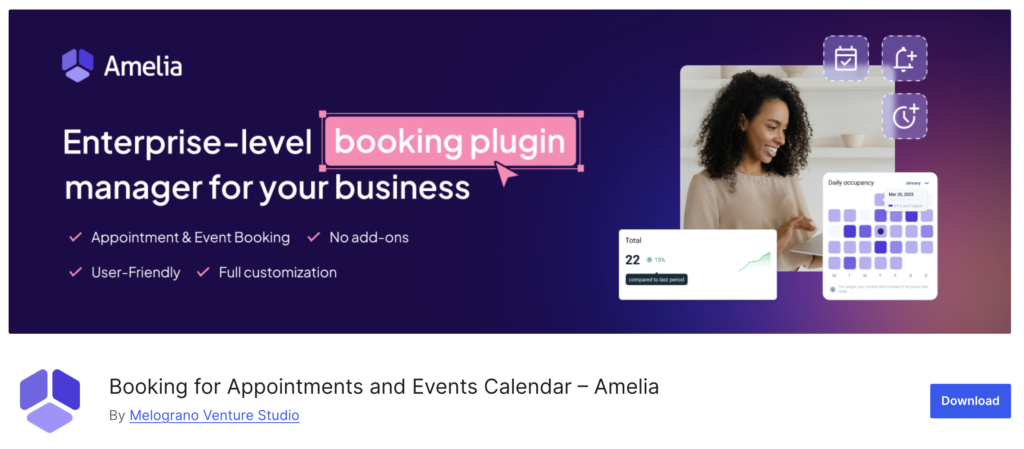
Its features include a customer-facing booking form, staff calendars, email reminders, and options for online payments and calendar syncing in paid versions. A free lite version is available for simpler setups.
Alternatives:
- Simply Schedule Appointments: clean and easy to set up, good for solo practitioners.
- Bookly: flexible, with many add-ons for growing businesses.
- Restaurant reservation plugins: restaurants usually need table reservations rather than appointments, so choose a reservation-specific tool.
Who it’s for: any local business that sells time: haircuts, consultations, lessons, inspections, or treatments.
Main limitation: features like multiple staff members, SMS reminders, deposits, and Google Calendar sync are often reserved for paid plans.
Verify before installing:
- Calendar sync with Google or Outlook, so you don’t get double-booked
- Reminder options (email and SMS)
- Payment or deposit support if you want to reduce no-shows
- Staff and location support if you have more than one
- How the booking form looks on mobile
Tip: add an online booking link to your Google Business Profile too, so customers can book straight from Google Maps.
3. Contact Forms and Lead Generation: WPForms
The problem it solves: a phone number alone loses leads from people who’d rather not call. A good form captures quote requests, questions, and job details any time of day.
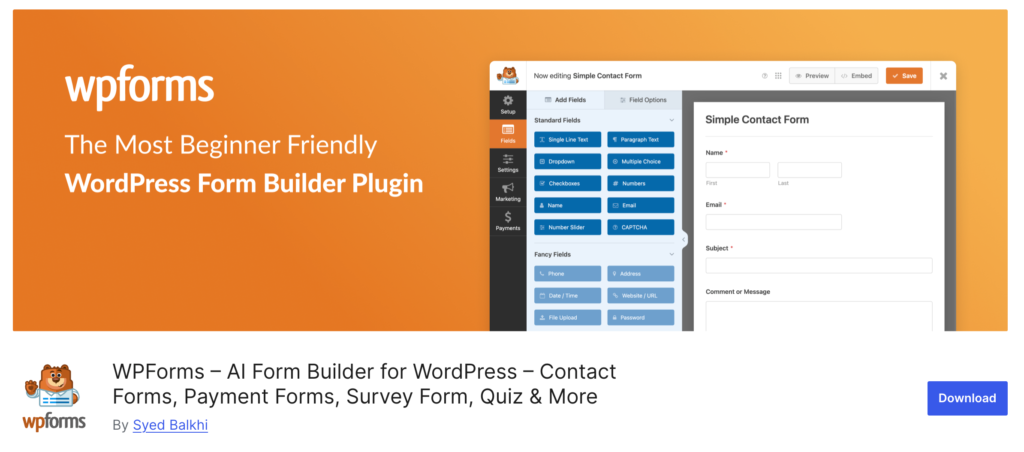
Our pick: WPForms.
WPForms is a beginner-friendly WordPress contact form plugin with a drag-and-drop builder and ready-made templates for contact forms, quote requests, and booking inquiries.
The free Lite version covers basic contact forms. Paid plans add conditional logic, file uploads, payments, and integrations with email marketing and CRM tools.
Alternatives:
- Fluent Forms: a generous free version and fast performance.
- Contact Form 7: free and lightweight, but less user-friendly to style.
Don’t forget email deliverability. Many WordPress sites send form notifications that quietly land in spam.
A plugin like WP Mail SMTP or FluentSMTP sends emails through a proper email service so leads actually reach your inbox.
Who it’s for: every local business. Even if you take bookings, you still need a way for people to ask questions.
Main limitation: the most useful lead generation features, like conditional fields and CRM connections, are often paid.
Verify before installing:
- Spam protection (CAPTCHA, honeypot, or similar)
- Email notifications to the right person
- Conditional fields for quote forms (for example, show “roof type” only for roofing jobs)
- Integrations with your CRM or email tool
- Lead tracking in Google Analytics 4 as a key event
Our guide to UTM tracking for Google Business Profile shows how to see which leads came from Google Maps.
4. Online Payments and E-commerce: WooCommerce or WP Simple Pay
The problem it solves: chasing invoices and losing sales to businesses that let customers pay online.
The right payment plugin depends on your business model:
| If you need to… | Choose | Why |
|---|---|---|
| Sell products online with a catalog, cart, and shipping | WooCommerce | A full online store built for WordPress, free to start with many extensions |
| Collect service payments, deposits, or invoices | WP Simple Pay | Simple Stripe payment forms without building a whole store |
| Take a payment with a quote or booking form | Your form or booking plugin’s payment add-on | Keeps everything in one step |
WooCommerce is the go-to for local retailers, bakeries, gift shops, and anyone with products. It supports local pickup and local delivery, which suit neighborhood businesses well. If you run a store, our guide to WooCommerce local SEO shows how to get your products found locally, and FoundHint can sync your WooCommerce products to your Google Business Profile.
WP Simple Pay suits service businesses that just need to accept payments on WordPress: deposits for a kitchen remodel, a consultation fee, or a class registration.
Main limitation: WooCommerce adds complexity and maintenance if you only need to take occasional payments. Payment plugins also involve processor fees on top of any plugin cost.
Verify before installing:
- Supported payment processors (Stripe, PayPal, Square)
- Local pickup and delivery options if you sell products
- Tax and receipt settings for your state
- Mobile checkout experience
- Security and PCI handling through the payment processor
5. Website Security: Wordfence
The problem it solves: small business sites get attacked too, often by automated bots trying to guess passwords or exploit outdated plugins. A hacked site can lose customer trust, get flagged by Google, and take days to fix.
Our pick: Wordfence.
Wordfence is one of the most widely used WordPress security plugins. It offers a firewall, malware scanning, login protection, two-factor authentication, and alerts. The free version covers the essentials, while the paid version adds real-time firewall rule updates.

Alternatives:
- Solid Security: strong login protection and hardening settings.
- Sucuri: known for its cloud firewall and malware cleanup services.
Who it’s for: every business website, especially those that collect customer details.
Main limitation: a security plugin complements, but doesn’t replace, secure hosting, strong passwords, and regular updates. Running two security plugins at once can also cause conflicts.
Verify before installing:
- Firewall and malware scanning
- Two-factor authentication for admin accounts
- Login attempt limits
- Email alerts for suspicious activity
- Compatibility with your host’s own security tools
6. Backups and Recovery: UpdraftPlus
The problem it solves: a bad update, a hack, or an accidental delete can wipe out years of work. A backup is your undo button.
Our pick: UpdraftPlus.
UpdraftPlus is a widely used WordPress backup plugin that schedules automatic backups and stores them off-site in places like Google Drive, Dropbox, or Amazon S3.
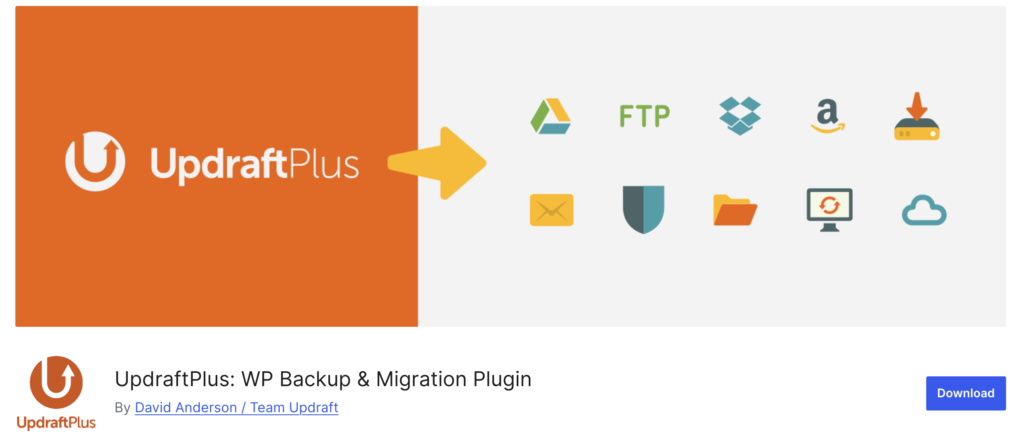
The free version handles scheduled backups and restores. Paid add-ons cover incremental backups, migrations, and more storage options.
Alternatives:
- Duplicator: popular for moving or cloning a site.
- Your hosting provider’s backups: many hosts include daily backups, but check how long they keep them and how easy restores are.
Who it’s for: every business website.
Main limitation: a backup is only useful if it can actually be restored. Storing backups on the same server as your site also defeats the purpose if that server fails.
Verify before installing:
- Scheduled backups (daily for active sites, weekly for simple ones)
- Off-site storage, not just your web server
- Files and database both included
- A test restore on a staging site at least once
- How long backups are kept
7. Website Speed and Performance: WP Rocket
The problem it solves: most local searches happen on phones, often when someone needs help now. A slow site sends them straight to a competitor.
Our pick: WP Rocket.
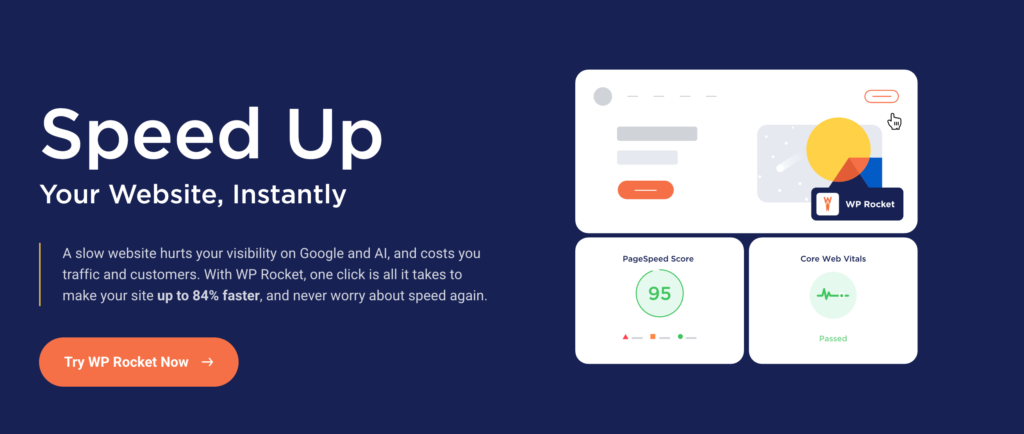
WP Rocket is a premium caching plugin known for working well with minimal setup. It handles page caching, file optimization, lazy loading for images, and database cleanup. It’s paid only, with no free version.
Alternatives:
- LiteSpeed Cache: free and very effective if your host runs LiteSpeed servers.
- Your host’s built-in caching: many managed WordPress hosts include caching, so you may not need a plugin at all.
- Image optimization plugins: large photos are one of the biggest causes of slow local business sites.
Who it’s for: businesses whose hosting doesn’t already include strong caching.
Main limitation: the best setup depends on your hosting. Running two caching plugins, or a caching plugin on top of host caching, can cause conflicts.
Verify before installing:
- Whether your host already provides caching
- Compatibility with your theme, page builder, and booking or checkout pages (these often shouldn’t be cached)
- Speed before and after, tested in PageSpeed Insights on your homepage, main service page, and contact page
8. Reviews and Testimonials: Pick by Use Case
The problem it solves: people trust other customers more than your marketing. Reviews on your website turn visitors into callers.
There isn’t one best review plugin, because “reviews” covers four different jobs:
| You want to… | Type of plugin | Examples |
|---|---|---|
| Show Google reviews on your website | Google reviews widget | Widgets for Google Reviews (Trustindex), Reviews Feed (Smash Balloon) |
| Display hand-picked testimonials | Testimonials plugin | Strong Testimonials, or your page builder’s testimonial block |
| Collect reviews or feedback on your site | Review collection plugin | Site Reviews, or a form plugin |
| Manage and reply to Google reviews | Reputation and Business Profile tool | FoundHint (reply and auto-reply templates by star rating) |
Not every plugin covers all four. Many businesses pair a display widget with a tool for replying to reviews on Google. For a full comparison, see our guide to the best Google reviews plugins for WordPress, and our guide to Google Business Profile reviews covers how to earn more of them.
Main limitation: free review widgets usually limit how many reviews they show, and some add vendor branding.
Verify before installing:
- How many reviews the free plan displays
- Whether reviews are stored locally (faster) or loaded from Google each time
- Filtering by star rating and showing owner replies
- Multi-location support if you have several profiles
- Never edit review wording or post fake reviews
Other Essential WordPress Plugins for Small Business Websites
These don’t fit neatly into the categories above, but many local businesses need them.
Analytics: Site Kit by Google
Site Kit connects Google Analytics, Search Console, and PageSpeed Insights to your WordPress dashboard, so you can see traffic and search performance without leaving your site. It’s free and made by Google. For calls, forms, and bookings, set up key events in GA4 so you’re measuring leads, not just visits.
Cookie Consent and Privacy: Complianz or CookieYes
If you use analytics, ads, or embedded maps, you may need a cookie banner and privacy policy, depending on where your visitors are. Complianz and CookieYes help set up consent banners and policies. Rules vary by state and country, so check what applies to your business.
Maps and Location Finders
An embedded Google Map on your contact page helps customers find you. Multi-location businesses may want a store locator plugin, such as WP Store Locator, so visitors can find their nearest branch. Pair it with strong location pages, as explained in our guide to multi-location local SEO.
Customer Communication: Chat and Messaging
A click-to-chat button for WhatsApp, Messenger, or SMS gives mobile visitors another easy way to reach you. Some all-in-one plugins, like WP Social Ninja, include chat widgets alongside review and social feeds.
Email Marketing
If you send newsletters or offers, connect your forms to an email platform like Mailchimp, or use a WordPress-based option. A simple monthly email to past customers is one of the easiest ways to drive repeat business and more reviews.
Example WordPress Plugin Stacks for Local Businesses
You don’t need every plugin on this list. Here are practical starting stacks for common local businesses. Each one assumes good hosting with backups, and a general SEO plugin for on-page basics.
Home-Service Business (Plumber, Electrician, HVAC, Roofer)
| Need | Plugin |
|---|---|
| Local visibility and Google Business Profile | FoundHint |
| Quote requests | WPForms or Fluent Forms, with conditional fields for job type |
| Email delivery | WP Mail SMTP |
| Optional bookings | Simply Schedule Appointments for estimate visits |
| Deposits | WP Simple Pay |
| Reviews on site | A Google reviews widget |
| Security and backups | Wordfence and UpdraftPlus |
| Speed | WP Rocket or your host’s cache |
Service-area businesses should also read our guide to service area business SEO.
Restaurant or Cafe
| Need | Plugin |
|---|---|
| Local visibility, hours, holiday hours, and photos | FoundHint |
| Table reservations | A restaurant reservation plugin |
| Online ordering | WooCommerce with a food ordering extension |
| Menu | A menu plugin or your theme’s menu blocks |
| Reviews on site | A Google reviews widget |
| Security, backups, speed | Wordfence, UpdraftPlus, WP Rocket |
Restaurants change hours often, so it’s worth knowing how to change your business hours on Google quickly.
Professional Practice (Law Firm, Dentist, Accountant, Clinic)
| Need | Plugin |
|---|---|
| Local visibility and review replies | FoundHint |
| Appointments | Amelia or Simply Schedule Appointments |
| Secure inquiry forms | WPForms with spam protection |
| Email delivery | WP Mail SMTP |
| Privacy and cookie consent | Complianz |
| Security and backups | Wordfence and UpdraftPlus |
Healthcare and legal businesses should check any privacy rules that apply to the information their forms collect.
Local Retailer or Boutique
| Need | Plugin |
|---|---|
| Online store with local pickup and delivery | WooCommerce |
| Local visibility and product sync to Google | FoundHint |
| Newsletter signups | A form plugin connected to your email platform |
| Reviews on site | A Google reviews widget |
| Security, backups, speed | Wordfence, UpdraftPlus, WP Rocket |
Multi-Location Business
| Need | Plugin |
|---|---|
| Business Profiles for every location | FoundHint (multi-location management) |
| Store locator | WP Store Locator |
| Location-specific bookings | A booking plugin with location support, like Amelia |
| Forms routed to the right branch | WPForms or Fluent Forms with conditional notifications |
| Security, backups, speed | Wordfence, UpdraftPlus, WP Rocket |
Franchises can find more in our guide to franchise local SEO.
How Many WordPress Plugins Should a Business Website Use?
There’s no magic number. A well-built site with 20 quality plugins can be faster than one with 8 poorly coded ones. What matters is quality, overlap, and how heavy each plugin is.
Can Too Many Plugins Slow Down Your Site?
Yes, they can. Each plugin can add scripts, styles, and database queries. Heavy page builders, sliders, social feeds, and poorly coded plugins are usually the worst offenders. Test your key pages in PageSpeed Insights before and after adding any plugin.
How to Avoid Plugins That Duplicate Features
- One plugin per job: don’t run two security plugins, two caching plugins, or two SEO plugins.
- Check your theme and host first: many themes include sliders and testimonial blocks, and many hosts include caching and backups.
- Watch for schema conflicts: SEO plugins, themes, and local plugins can each add LocalBusiness markup. Keep only one. Our guide to LocalBusiness schema for WordPress explains what to look for.
- Review your plugin list every few months: deactivate and delete anything you no longer use.
Dedicated Plugins vs All-in-One Tools
All-in-one plugins reduce the number of tools you manage, but they can be heavy if you only use one feature. Dedicated plugins usually do one job better. A good rule: choose all-in-one when you’ll use most of its features, and dedicated plugins when you only need one.
Free vs Paid WordPress Plugins for Small Businesses
Free plugins are great for getting started. Pay for a plugin when it saves you real time, directly brings in revenue, or protects your business. For most local businesses, the plugins most worth paying for are booking (if it’s core to your business), security and backups (if your host doesn’t cover them), and a tool that saves hours on routine work like replying to reviews and managing your Business Profile.
How to Choose Reliable WordPress Plugins
- Updated within the last few months
- Compatible with your current WordPress and PHP versions
- Strong ratings and a healthy number of active installs
- Responsive support forum or help desk
- Clear documentation
- Tested on a staging site before going live
Build a Stronger Local Business Website With FoundHint
Running a local business takes more than a good-looking website. Bookings, forms, payments, and security keep your site working, but customers still need to find you first.
FoundHint helps WordPress site owners manage local search visibility from the dashboard they already use: Google Business Profile details and hours, posts, photos, products and services, review replies with star-rating auto-reply templates, map rankings with the Ranking Grid, citations, and multiple locations.
It doesn’t replace your booking, payment, security, or backup plugins. It sits alongside them as the local visibility part of your toolkit. Explore FoundHint’s local SEO features and see how they fit into your business website.
Frequently Asked Questions
What WordPress plugins does a local business need?
Most local businesses need a contact form, security, backups, and a local SEO plugin to manage their Google Business Profile. Depending on how you work, add a booking plugin, a payment plugin or WooCommerce, a reviews widget, and a caching plugin if your host doesn’t provide one.
What are the essential WordPress plugins beyond SEO?
The essentials beyond SEO are contact forms, email deliverability (SMTP), security, backups, and speed optimization. Booking, payments, reviews, analytics, and cookie consent come next, depending on your business.
What is a practical WordPress plugin stack for a plumber or electrician?
FoundHint for local visibility and your Business Profile, a form plugin with conditional fields for quote requests, WP Mail SMTP, a payment form for deposits, a Google reviews widget, Wordfence, UpdraftPlus, and caching if your host doesn’t include it.
Which WordPress plugins should a local restaurant install?
A reservation plugin, WooCommerce with an ordering extension if you take online orders, a menu plugin, a Google reviews widget, and a local SEO plugin to keep hours and holiday hours accurate on Google. Add security, backups, and caching.
How can I manage Google Business Profile and website SEO from WordPress?
Use a general SEO plugin for on-page basics like titles and sitemaps, and a local SEO plugin like FoundHint to manage your Google Business Profile, posts, photos, reviews, rankings, and citations from your WordPress dashboard.
Can too many WordPress plugins hurt website performance?
They can, especially heavy or poorly coded plugins. Quality matters more than the number. Remove plugins you don’t use, avoid duplicates, and test your speed after each new install.
Which plugins are worth paying for on a small business website?
Pay for plugins that bring in revenue (like bookings or online ordering), protect your business (security and backups if your host doesn’t cover them), or save hours of routine work (like managing your Business Profile and replying to reviews).
What is the best plugin setup for a business with multiple locations?
A local SEO plugin that manages multiple Business Profiles, a store locator, location pages with accurate details, a booking plugin with location support, and forms that route inquiries to the right branch.
Should a local business choose a dedicated plugin or an all-in-one tool?
Choose an all-in-one tool when you’ll use most of its features, and a dedicated plugin when you only need one job done well. Either way, avoid running two tools that do the same thing.
Are free WordPress plugins safe for business websites?
Many free plugins are safe and widely used. Stick to plugins with recent updates, strong ratings, plenty of active installs, and active support, and keep them updated.
Conclusion
The best WordPress plugins for local businesses solve everyday problems: taking bookings, capturing leads, accepting payments, keeping your site secure and backed up, loading fast, and showing off your reviews. Local visibility ties it all together, because none of those tools matter if customers can’t find you on Google.
Start with the essentials for your business type, use one plugin per job, and test your site’s speed as you go. Use the example stacks above as a starting point, and add FoundHint for the local SEO side so your Google Business Profile, reviews, and rankings are managed from the same WordPress dashboard as everything else. If you’re still building your site, our guide to building a WordPress website for a local business is a great next step.