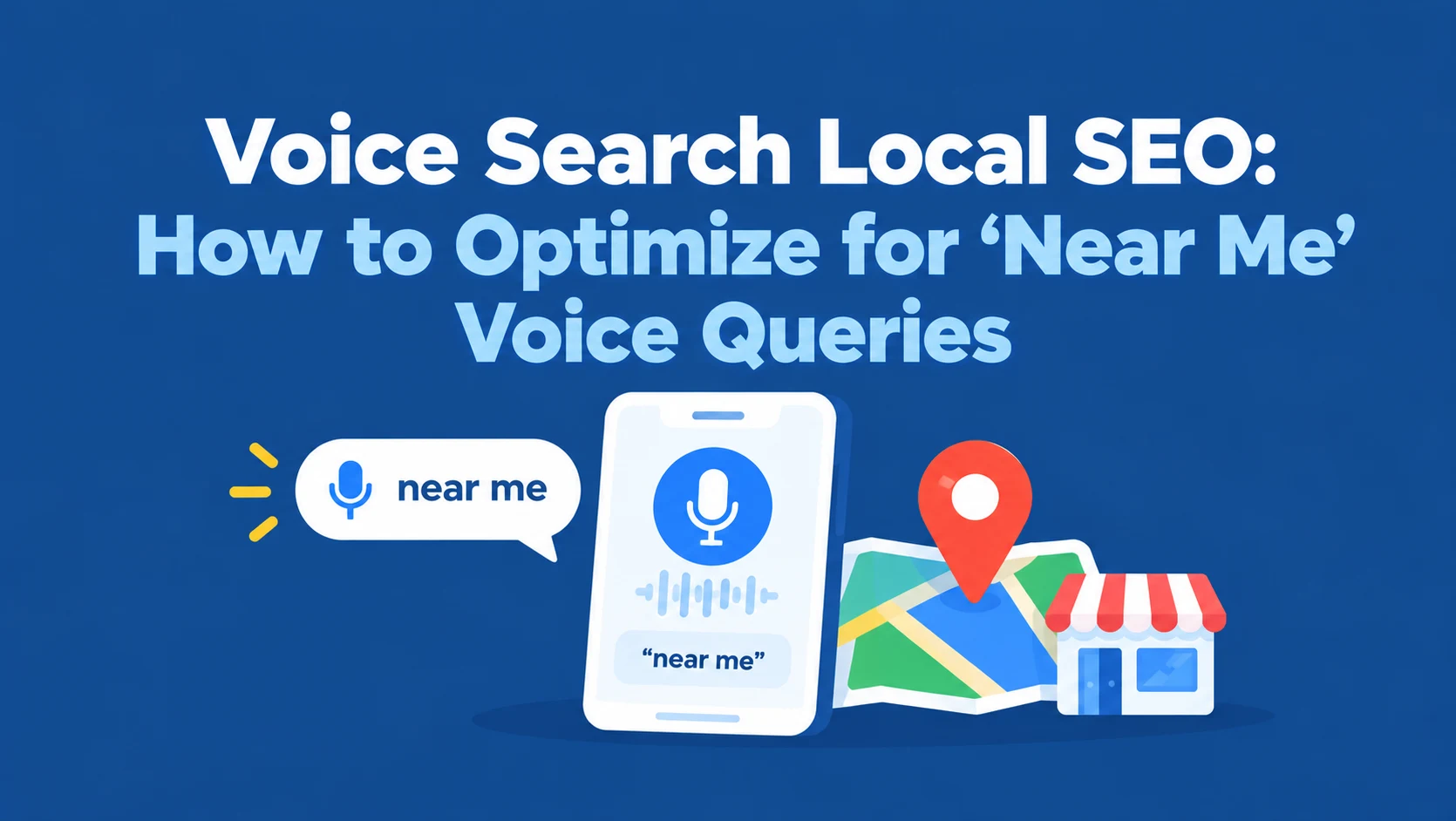
“Hey Siri, find a plumber near me.” “OK Google, which pizza place is open now?” When someone asks a voice assistant for a local business, they don’t get ten blue links.
They usually get one or a few answers, read out loud or shown on a small screen.
If your business isn’t one of them, you’re simply not in the conversation, and most voice search advice online is too vague to help you fix that.
This guide explains how voice search local SEO really works and how to optimize for “near me” voice queries.
You’ll learn where Google, Siri, Alexa, and AI assistants get their local answers, how spoken searches differ from typed ones, 10 practical optimization steps, how to write content voice assistants can use, real query examples by industry, how to measure results, and a checklist you can work through today.
 FoundHint Local SEO WordPress
Optimize your Google Business Profile without leaving WordPress
Connect your GBP profile, compare it with your website and fix the gaps FoundHint finds.
- Business Profile audit and optimization
- Google Post scheduling
- Review management and replies
- Local rank tracking on a map grid
What Is Voice Search Local SEO?
Voice search local SEO is the work of making your business the answer when people use voice assistants to find nearby products and services. It’s not a separate kind of SEO.
It’s local SEO done well, with extra attention to the places voice assistants pull their answers from and the way people speak.
How “Near Me” Voice Queries Work
When someone says “find a dentist near me” or “coffee shop open now,” the assistant:
- Detects local intent (the person wants a nearby business)
- Uses the device’s location to understand where “near me” is
- Pulls business data from a maps or listings source
- Ranks results by relevance, distance, and prominence, plus details like whether you’re open
- Reads out or displays the top one to three results, often with an option to call or get directions
That’s why voice search is so competitive: there’s very little room at the top. The good news is that the same things that win the map pack, like an accurate Business Profile, strong reviews, and complete details, are what win voice results.
Our guide to Google Maps local SEO covers that foundation.
Where Voice Assistants Get Local Business Answers
Each assistant relies on different data sources, so being listed accurately in each one matters.
| Assistant | Main local data source | What to optimize |
|---|---|---|
| Google Assistant and Gemini (Android, Google Home, Google app) | Google Business Profile and Google Maps | Your Google Business Profile, reviews, hours, and categories |
| Siri (iPhone, Apple Watch, CarPlay, HomePod) | Apple Maps | Apple Business Connect listing, plus consistent data across the web |
| Alexa (Echo devices) | Third-party local data sources and directories | Consistent listings on major platforms like Yelp |
| Microsoft Copilot and Bing-powered tools | Bing Places and Bing Maps | Bing Places for Business |
| AI chat assistants (ChatGPT, Perplexity, and others) | A mix of web search results, maps data, and review sites | Accurate listings, strong reviews, and clear website content |
The exact sources each assistant uses can change, so the safest strategy is simple: claim and keep every major listing accurate, starting with Google, Apple, and Bing.
Our guide to local business listings for SEO covers where to list.
How Voice Queries Differ From Typed Searches
People talk to assistants the way they talk to people. That changes the keywords you should think about.
| Typed search | Voice search |
|---|---|
| plumber denver | “Who’s the best plumber near me that’s open now?” |
| pizza delivery | “Which pizza places deliver to my house?” |
| dentist saturday | “Is there a dentist near me open on Saturday?” |
| ac repair cost | “How much does it cost to fix an AC in Phoenix?” |
| vet hours | “What time does the vet on Main Street close?” |
Key Differences
- Longer and conversational. Voice queries are full sentences with words like “who,” “where,” “what time,” and “how much.”
- Often questions. Many start with question words, which is why FAQ-style content works well.
- Strong urgency. “Open now,” “near me,” and “right now” signal someone ready to act.
- Action-focused. Voice users often want to call, get directions, or book immediately, so the assistant favors businesses with complete contact and hours data.
- On the go. Many voice searches happen in the car or while walking, which makes accurate hours and directions critical.
Our guide to local SEO keyword research shows how to find these conversational, question-based searches.
10 Ways to Optimize for ‘Near Me’ Voice Queries
1. Complete and Verify Your Google Business Profile
This is the foundation for Google Assistant and Gemini voice results. Fill in every relevant field: categories, services, products, attributes, description, and photos.
Our guide to Google Business Profile categories helps with the most important one.
2. Keep Your Hours Accurate, Including Special Hours
“Open now” is one of the most common voice modifiers. If your hours are wrong, you can lose the result entirely, or worse, send a customer to a closed door. Update holiday and special hours before every holiday.
Here’s how to change your business hours on Google.
3. Claim Apple Business Connect and Bing Places
Siri relies on Apple Maps, and many Microsoft tools use Bing. Claim both listings and match your Google details exactly.
4. Keep NAP Consistent Everywhere
Voice assistants cross-check business data across many sources. Inconsistent names, addresses, or phone numbers can push you out of results.
Our guide to NAP consistency explains what to fix first.
5. Build Strong Reviews and Ratings
When someone asks for “the best” or “top-rated” business, assistants lean heavily on ratings and review volume. Ask happy customers for reviews and reply to every one.
Our guide to Google Business Profile reviews has practical tips.
6. Set the Right Attributes
Voice queries often include details like “wheelchair accessible,” “kid friendly,” “open late,” “offers delivery,” or “accepts walk-ins.” Attributes on your Business Profile help you match those searches.
7. Add Conversational FAQ Content to Your Website
Create FAQ sections on service and location pages that answer the questions customers actually ask, in plain language. More on this in the next section.
8. Make Your Website Fast and Mobile-Friendly
Many voice searches end on a phone screen. A slow, hard-to-use site loses the customer even after the assistant recommends you.
9. Add LocalBusiness Schema
Structured data helps search engines understand your name, address, phone, hours, and services. Our guide to LocalBusiness schema for WordPress shows how to add it.
10. Create Pages for Your Services and Locations
Voice searches are specific: “emergency vet in Cherry Creek” or “same-day AC repair in Mesa.” Dedicated service and location pages give search engines a clear match.
Our guide to local landing page SEO examples shows how to build them without creating thin, duplicate pages.
How to Write Content for Voice Search?
Voice assistants favor clear, direct answers. Here’s how to write content they can use.
Answer the Question in the First Sentence
Put a direct, complete answer first, then explain. Aim for one to three short sentences that would make sense if read aloud.
Question: How much does it cost to replace a water heater in Denver?
Answer: Most water heater replacements in Denver cost between [low price] and [high price] including installation, depending on the tank size and fuel type. Tankless units usually cost more upfront but last longer.
Use Natural, Spoken Language
Write the way a helpful employee would answer on the phone. Avoid jargon and long, complicated sentences.
Build FAQ Sections Around Real Questions
Good sources of voice-style questions:
- Questions customers ask on the phone and in person
- “People also ask” boxes in Google results
- Google autocomplete suggestions
- Questions in your reviews and Business Profile messages
Group them on the relevant service or location page, not on one giant FAQ page.
Cover Local Context
Mention neighborhoods, landmarks, and local details naturally, so your content matches spoken searches like “near the airport” or “downtown.”
Our guide on where to put city names for local SEO explains how to do this without keyword stuffing.
Example: Voice-Friendly FAQ for a Dentist
Are you open on Saturdays? Yes, our Plano office is open Saturdays from 9 a.m. to 2 p.m.
Do you take walk-ins for emergencies? Yes. Call ahead if you can, but we see dental emergencies the same day whenever possible.
Is there parking? Free parking is available in the lot behind our building on Preston Road.
Voice Search Query Examples by Industry
Use these examples to brainstorm the voice questions your own customers ask.
| Industry | Typical voice queries | What helps you win |
|---|---|---|
| Restaurants | “Where can I get tacos near me?” “Which restaurants are open late?” | Accurate hours, menu, delivery and dine-in attributes, strong reviews |
| Plumbers and HVAC | “Emergency plumber near me” “Who fixes AC on Sundays?” | Correct hours, emergency service details, call button, reviews |
| Dentists and clinics | “Dentist near me that takes my insurance” “Urgent care open now” | Services, insurance info on your site, hours, attributes |
| Retail stores | “Where can I buy running shoes near me?” “Is the hardware store open?” | Products on your profile, hours, local inventory |
| Salons and spas | “Hair salon near me that takes walk-ins” | Walk-in attributes, booking link, photos |
| Auto repair | “Mechanic near me open Saturday” “Where can I get an oil change now?” | Hours, services list, reviews |
| Legal and professional | “Car accident lawyer near me” “Tax preparer near me” | Categories, practice area pages, reviews |
Service-area businesses that travel to customers can still win voice results by setting an accurate service area. Our guide to service area business SEO explains the setup.
How to Measure Voice Search Performance?
No tool reports “voice searches” directly, so you measure the signals voice drives.
| What to track | Where | Why it reflects voice |
|---|---|---|
| Calls from your Business Profile | Business Profile performance | Many voice searches end with “call them” |
| Direction requests | Business Profile performance | Voice users often ask for directions while driving |
| Map rankings across your area | A ranking grid tool | Voice results come from local map data near the searcher |
| Long, question-style queries | Google Search Console | Shows conversational searches reaching your site |
| Search terms that triggered your profile | Business Profile performance | Reveals “near me” and question-style searches |
| Manual voice tests | Your own phone and smart speaker | Ask Siri, Google, and Alexa your main questions monthly |
Test from different locations if you can, since results depend on where the searcher is.
Our guide to local SEO metrics covers the full set of KPIs worth tracking.
Voice Search Local SEO Checklist
- Google Business Profile verified and fully complete
- Accurate regular and special hours
- Apple Business Connect and Bing Places claimed
- NAP identical across Google, Apple, Bing, Yelp, Facebook, and your website
- Strong, recent reviews with replies
- Relevant attributes set (accessibility, walk-ins, delivery, open late)
- Services and products listed on your profile
- Conversational FAQ sections on service and location pages
- Direct answers in the first sentence of key content
- Fast, mobile-friendly website with click-to-call
- LocalBusiness schema added and tested
- Dedicated service and location pages
- Monthly voice tests on Siri, Google, and Alexa
For the broader setup, see our WordPress local SEO checklist.
Win More Voice Searches With FoundHint Plugin
Most of what makes you the voice answer lives in your Google Business Profile: hours, attributes, services, reviews, and consistent details. FoundHint, a local SEO plugin for WordPress, lets you manage all of that from your WordPress dashboard.
FoundHint Local SEO WordPress
Optimize your Google Business Profile without leaving WordPress
Connect your GBP profile, compare it with your website and fix the gaps FoundHint finds.
- Business Profile audit and optimization
- Google Post scheduling
- Review management and replies
- Local rank tracking on a map grid
It connects your Google Business Profile to WordPress with no API keys or Google Cloud setup.
| Voice search factor | How FoundHint helps |
|---|---|
| Accurate “open now” answers | Update regular and special hours, then send them to Google |
| Matching detailed voice queries | Edit attributes, services, and business info |
| “Best” and “top-rated” queries | Manage and reply to reviews, with auto-reply templates for 5, 4, 3, 2, and 1 star reviews |
| Product voice searches | Sync WooCommerce products to your profile |
| Fresh, active profile | Create and schedule posts, and add or remove photos |
| Visibility near the searcher | The Ranking Grid shows your map rankings for target keywords across your target location |
| Consistent data across sources | The citation feature shows directories based on your business category, where you’re listed, and where you’re missing |
| Multiple locations | Manage every location from one place |
Because voice results depend so heavily on where the searcher is, the Ranking Grid is a practical way to see which parts of your area you’re likely to win for spoken “near me” searches.
Frequently Asked Questions
What is voice search local SEO?
It’s optimizing your business so voice assistants like Google Assistant, Siri, and Alexa recommend you when people ask for nearby products or services. It relies mainly on accurate listings, strong reviews, complete business details, and conversational website content.
How do I optimize for ‘near me’ voice searches?
Complete and verify your Google Business Profile, keep hours accurate, claim Apple Business Connect and Bing Places, keep NAP consistent, build reviews, set attributes, and add conversational FAQ content to your website.
Where does Siri get local business information?
Siri relies on Apple Maps for local results, so claim and complete your Apple Business Connect listing and keep it consistent with your other listings.
Does Google Assistant use Google Business Profile?
Yes. Google’s assistants use Google Maps and Business Profile data for local answers, so your profile is the most important factor for Google voice results.
Do I need different keywords for voice search?
You need to cover conversational, question-based phrases in addition to short keywords. Think “who fixes water heaters near me” alongside “water heater repair.” FAQ sections are a natural place for these.
Does voice search help small businesses?
Yes. Voice queries are often urgent and local, like “open now” or “near me,” and small businesses with accurate, well-reviewed profiles can compete strongly with larger brands.
Can I track how many voice searches I get?
Not directly. Track Business Profile calls and direction requests, map rankings across your area, question-style queries in Search Console, and test voice searches yourself each month.
Is voice search the same as AI search?
They overlap. Many voice assistants now use AI models, and AI chat tools also answer local questions. The same foundation helps both: accurate listings, strong reviews, and clear, helpful content.
Conclusion
Voice search local SEO isn’t about tricks.
It’s about being the most accurate, complete, and trusted local answer, wherever the assistant looks. Get your Google Business Profile, Apple Business Connect, and Bing Places listings right, keep your hours and details consistent, build genuine reviews, and write content that answers real questions in plain language.
Voice results leave little room at the top, so small improvements make a big difference.
Work through the checklist, test your main “near me” questions on your own devices each month, and track calls and direction requests to see the impact.
When customers ask out loud, you want your business to be the one they hear.