You’re showing up.
Search Console says thousands of people saw your pages, and your Business Profile gets plenty of views.
But the calls, clicks, and direction requests don’t match. People are seeing your business and choosing someone else.
That gap between being seen and being chosen is your click-through rate, and it’s one of the fastest things to improve in local SEO.
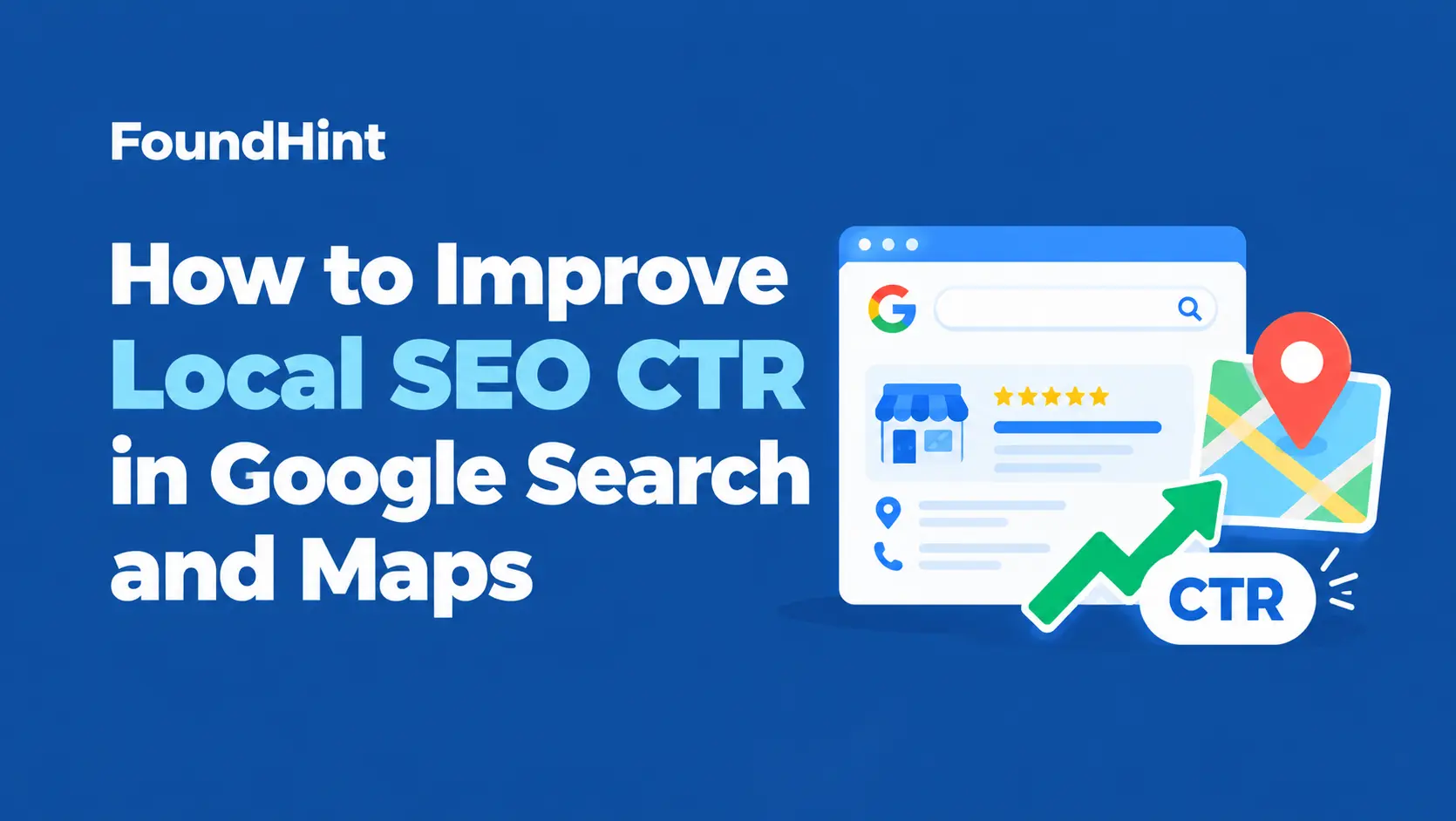
This guide shows you how to improve local SEO CTR in both Google Search and Google Maps.
You’ll learn how to measure CTR in Search Console and your Business Profile, find the pages and searches with the biggest opportunity, rewrite titles and descriptions that earn clicks, make your map listing the obvious choice, and test changes properly, with before and after examples and a checklist you can use today.
 FoundHint Local SEO WordPress
Optimize your Google Business Profile without leaving WordPress
Connect your GBP profile, compare it with your website and fix the gaps FoundHint finds.
- Business Profile audit and optimization
- Google Post scheduling
- Review management and replies
- Local rank tracking on a map grid
What Is Local SEO CTR?
Click-through rate (CTR) is the percentage of people who see your listing and then take action. For local businesses, there are really two kinds:
| Type | Formula | Where to find it |
|---|---|---|
| Organic search CTR | Clicks / impressions | Google Search Console, Performance report |
| Business Profile engagement | Actions (calls, directions, website clicks, bookings) / profile views | Google Business Profile, Performance section |
Google Search Console calculates organic CTR for you. For your Business Profile, divide total interactions by views to get a simple engagement rate you can track month to month.
Why Local CTR Matters?
- More customers without ranking higher. If 1,000 people see you each month, moving from 3% to 5% CTR means 20 more visits, without changing your position.
- Local searchers are ready to act. A click from “emergency plumber near me” is often a phone call within minutes.
- It reveals problems. Low CTR often points to a weak title, missing photos, poor reviews, or wrong hours.
Is There a “Good” Local CTR?
CTR varies hugely by position, search type, device, and how many ads and map results appear above you. Rather than chasing an industry average, compare your own pages and keywords against each other and track improvement over time. Our guide to local SEO metrics covers how CTR fits with your other KPIs.
How to Find Low CTR Opportunities?
In Google Search Console
- Open the Performance report and turn on clicks, impressions, CTR, and average position.
- Set the date range to the last three months.
- Click the Pages tab and sort by impressions. Pages with high impressions and low CTR are your biggest opportunities.
- Click a page, then switch to the Queries tab to see which searches it shows up for.
- Filter queries by your city, neighborhoods, or “near me” to focus on local searches.
Prioritize These Pages First
| What you see | What it means | Priority |
|---|---|---|
| High impressions, low CTR, position 1 to 5 | You rank well but your result isn’t compelling | Highest: fix the title and description |
| High impressions, position 5 to 20 | You’re close to page one or the top of it | High: improve the page and its snippet |
| Low impressions | Visibility problem, not a CTR problem | Work on rankings first |
| Query doesn’t match the page | Wrong page is ranking | Improve internal linking or create a better-matched page |
In Your Google Business Profile
Open the Performance section and compare views with calls, direction requests, and website clicks over the last few months. Also check the search terms list to see which searches show your profile. If views are healthy but actions are low, your profile isn’t persuading people. Compare it with the top three competitors in the map pack for your main searches: who has better photos, more reviews, or more complete details?
How to Improve CTR in Google Search?
1. Rewrite Your Title Tags
Your title is the biggest factor in whether someone clicks your organic result. A strong local title:
- Leads with the service and city the searcher typed
- Adds a benefit that matters locally, like “Same-Day,” “24/7,” “Free Estimates,” or “Open Saturdays”
- Ends with your brand name
- Stays short enough to avoid being cut off, roughly 50 to 60 characters
Our guide to local SEO title tags and meta descriptions has more formulas and examples.
2. Write Meta Descriptions That Sell the Click
Google doesn’t always use your meta description, but when it does, it acts like a mini ad. Mention your city, one or two specific benefits, and a clear reason to choose you, like response time, ratings, or pricing transparency. Keep it around 150 to 160 characters.
3. Match the Searcher’s Intent
If someone searches “emergency plumber Denver” and your result talks about bathroom remodels, they’ll skip it. Make sure each important search lands on the most relevant page, and that the title reflects what that searcher wants.
4. Use Specific Numbers and Proof
Specifics stand out in a page of generic results: “Serving Tampa Since 2009,” “Free Inspection in 48 Hours,” or “Licensed and Insured.” Only use claims that are true.
5. Keep URLs Short and Readable
A clean URL like /water-heater-repair-denver/ looks more trustworthy than a long string of parameters, and it reinforces relevance.
6. Add Structured Data Where It’s Eligible
Accurate schema helps Google understand your pages. Some types, like FAQ or product markup, have limited eligibility for rich results, and self-serving reviews on your own business pages generally don’t earn star ratings, so don’t rely on schema alone for CTR. Our guide to LocalBusiness schema for WordPress covers what to add.
7. Use a Clear Site Name and Favicon
Google shows your site name and favicon next to results. A recognizable logo as your favicon and a consistent site name make your result look established.
8. Improve Rankings for Close Keywords
CTR rises sharply as you move up the page. For keywords in positions 5 to 20, improving the page content and internal links can lift both rankings and clicks. Our guide to local SEO keyword research helps you focus on the right ones.
How to Improve CTR in Google Maps and the Map Pack?
In the map pack, searchers compare a few listings side by side. Small details decide who gets the call.
1. Build Your Rating and Review Count
Star ratings and review counts appear right in the map results and are often the first thing people compare. A steady flow of fresh, genuine reviews makes you the safer choice.
Our guide to Google Business Profile reviews shows how to get more.
2. Reply to Reviews
Replies show you care, and recent reviews and responses often appear when people open your profile. A professional reply to a negative review can win over readers who would otherwise skip you.
3. Use Great Photos
Photos can show in the map results and dominate your profile view. Upload clear, real photos of your storefront, team, work, and products, and keep adding new ones. See our guide to Google Business Profile photos.
4. Keep Hours Accurate, Including Special Hours
Google shows whether you’re open or closed. “Closed” or “Closes soon” on a listing kills clicks, and wrong hours lose trust fast. Update special hours before every holiday. Here’s how to change your business hours on Google.
5. Choose the Right Primary Category
Your category shows under your name and affects which searches you appear for. A precise category, like “Emergency veterinarian” instead of “Veterinarian,” tells searchers you’re exactly what they need. Our guide to Google Business Profile categories explains how to choose.
6. Add Attributes and Highlights
Attributes like “Online appointments,” “Wheelchair accessible,” “Women-owned,” or “Offers free estimates” can appear on your listing and help you stand out for specific needs.
7. List Services and Products
Complete service and product lists help Google match you to more specific searches and show customers exactly what you offer. See our guide to products and services.
8. Post Regularly
Posts with offers, events, and updates keep your profile active and give people a reason to engage. Our guide to Google Business Profile posts has ideas.
9. Write a Helpful Description
Explain what you do, who you serve, and what makes you different, in plain language.
10. Keep Your Business Name Honest
It’s tempting to add keywords to your name to look more relevant, but it breaks Google’s guidelines and risks suspension. Use your real business name and earn clicks with everything else on this list.
11. Make Actions Easy
Add your booking link, make sure your phone number is correct and answered, and link the website button to the most relevant page with UTM tracking. Our guide to UTM tracking for Google Business Profile shows how.
Before and After: Local Title and Description Examples
These examples show how small changes can make a result more clickable.
| Business | Before | After |
|---|---|---|
| Plumber in Denver | Home | Peak Plumbing | 24/7 Emergency Plumber in Denver | Peak Plumbing |
| Dentist in Plano | Plano Dentist, Dentist Plano TX, Dental Care | Family Dentist in Plano, TX, Open Saturdays | Smile Bright |
| Roofer in Charlotte | Roofing Services | Roof Repair in Charlotte, Free Inspections | Peak Roofing |
| Bakery in Austin | Welcome to Our Bakery | Custom Cakes and Fresh Bread in Austin | Sweet Rise Bakery |
Meta description example (plumber):
- Before: “We are a plumbing company that offers many services. Contact us today.”
- After: “Burst pipe or no hot water? Our licensed Denver plumbers answer 24/7 and usually arrive within the hour. Upfront pricing, no surprises.”
The after versions name the service and city, add a specific benefit, and give the searcher a reason to choose this business over the others on the page.
How to Test and Track CTR Improvements?
- Record a baseline. Note the current clicks, impressions, CTR, and average position for each page you’ll change, and your Business Profile views and actions.
- Change one thing at a time. Update titles and descriptions on a handful of pages, or add photos to your profile, so you know what made the difference.
- Keep a change log. Write down what you changed and the date.
- Wait long enough. Give Google time to recrawl and collect data, usually a few weeks. Compare equal periods, like 28 days before and 28 days after.
- Compare like with like. If your average position changed a lot, CTR will change too. Compare CTR at similar positions where possible.
- Keep what works. Roll successful title formulas out to similar pages.
Watch out for seasonality. A spike in December may be the holidays, not your new title. Compare with the same period last year when you can.
Common CTR Mistakes to Avoid
- Generic titles like “Home” or “Services” that say nothing about your business or location
- Keyword-stuffed titles that look spammy and get skipped
- Clickbait that promises something the page doesn’t deliver, which leads to quick exits
- Keywords in your Business Profile name, which can get your profile suspended
- Stock or outdated photos that make you look less trustworthy than competitors
- Wrong hours, which show you as closed or send customers to a locked door
- Ignoring negative reviews that sit at the top of your profile unanswered
- Changing everything at once, so you can’t tell what worked
- Chasing CTR alone. More clicks only help if your page and profile turn visitors into customers
For more pitfalls, see our guide to common local SEO mistakes.
Local SEO CTR Checklist
Google Search
- Found high-impression, low-CTR pages in Search Console
- Titles lead with service and city, plus a clear benefit
- Meta descriptions give a specific reason to click
- Each key search lands on the most relevant page
- URLs are short and readable
- Accurate structured data added
- Clear site name and favicon
Google Maps
- Strong, recent reviews with replies
- Real, current photos
- Accurate regular and special hours
- Precise primary category
- Relevant attributes set
- Services and products listed
- Regular posts
- Real business name with no added keywords
- Booking link, phone, and website button working, with UTM tracking
Tracking
- Baseline recorded
- Changes logged with dates
- Results compared over equal time periods
Improve Your Map Listing CTR With FoundHint
Most of what wins clicks in Google Maps lives in your Business Profile: reviews, photos, hours, categories, attributes, and posts. FoundHint, a local SEO plugin for WordPress, lets you manage all of it from your WordPress dashboard.
FoundHint Local SEO WordPress
Optimize your Google Business Profile without leaving WordPress
Connect your GBP profile, compare it with your website and fix the gaps FoundHint finds.
- Business Profile audit and optimization
- Google Post scheduling
- Review management and replies
- Local rank tracking on a map grid
It connects your Google Business Profile to WordPress with no API keys or Google Cloud setup.
| CTR factor | How FoundHint helps |
|---|---|
| Accurate open and closed status | Update regular and special hours, then send them to Google |
| Precise details and attributes | Edit business info, attributes, services, and social links |
| Eye-catching photos | Add and remove profile photos |
| Active, engaging profile | Create and schedule posts with offers and updates |
| Reviews and replies | Manage and reply to reviews, with auto-reply templates for 5, 4, 3, 2, and 1 star reviews |
| Products that match searches | Sync WooCommerce products and add services |
| Visibility across your area | The Ranking Grid shows map rankings for target keywords across your target location, so you know where improving CTR will have the most impact |
| Multiple locations | Manage every location from one place |
Pair FoundHint for your Business Profile with better titles and meta descriptions on your website, and you’ll be working on CTR in both places where local customers find you.
Frequently Asked Questions
What is local SEO CTR?
It’s the percentage of people who see your business in local search and then click or take action. In Google Search, it’s clicks divided by impressions. For your Business Profile, it’s calls, direction requests, website clicks, and bookings compared with profile views.
How do I find pages with low CTR?
In Google Search Console, open the Performance report, sort pages by impressions, and look for pages with many impressions but a low CTR. Then check which queries they show up for and improve the title and description.
How can I get more clicks from Google Maps?
Build genuine reviews and reply to them, add real photos, keep your hours accurate, choose a precise primary category, set attributes, list services and products, and post regularly.
Does CTR affect local rankings?
Google hasn’t confirmed CTR as a direct local ranking factor, and the topic is debated. Either way, a higher CTR means more customers from the visibility you already have, which is the real goal.
Should I add keywords to my business name to get more clicks?
No. It breaks Google’s guidelines and can lead to suspension. Use your real business name and improve reviews, photos, and details instead.
How long does it take to see CTR improvements?
Title and description changes often show results within a few weeks once Google recrawls the page. Profile improvements like photos and reviews build over time. Compare equal time periods before and after each change.
Why is my CTR low even though I rank first?
Common reasons include a generic title, a mismatch between the search and your page, ads or map results pushing your result down, or competitors with more compelling offers or ratings.
Conclusion
Improving local SEO CTR is about turning the visibility you already have into real customers. In Google Search, that means titles and descriptions that name the service and city and give a clear reason to click.
In Google Maps, it means a profile that wins the side-by-side comparison: strong reviews with replies, great photos, accurate hours, a precise category, and complete details.
Start with the pages and searches that have the most impressions, change one thing at a time, and track results over equal periods.
Small improvements add up quickly, because every extra click comes from people who were already looking for exactly what you offer.