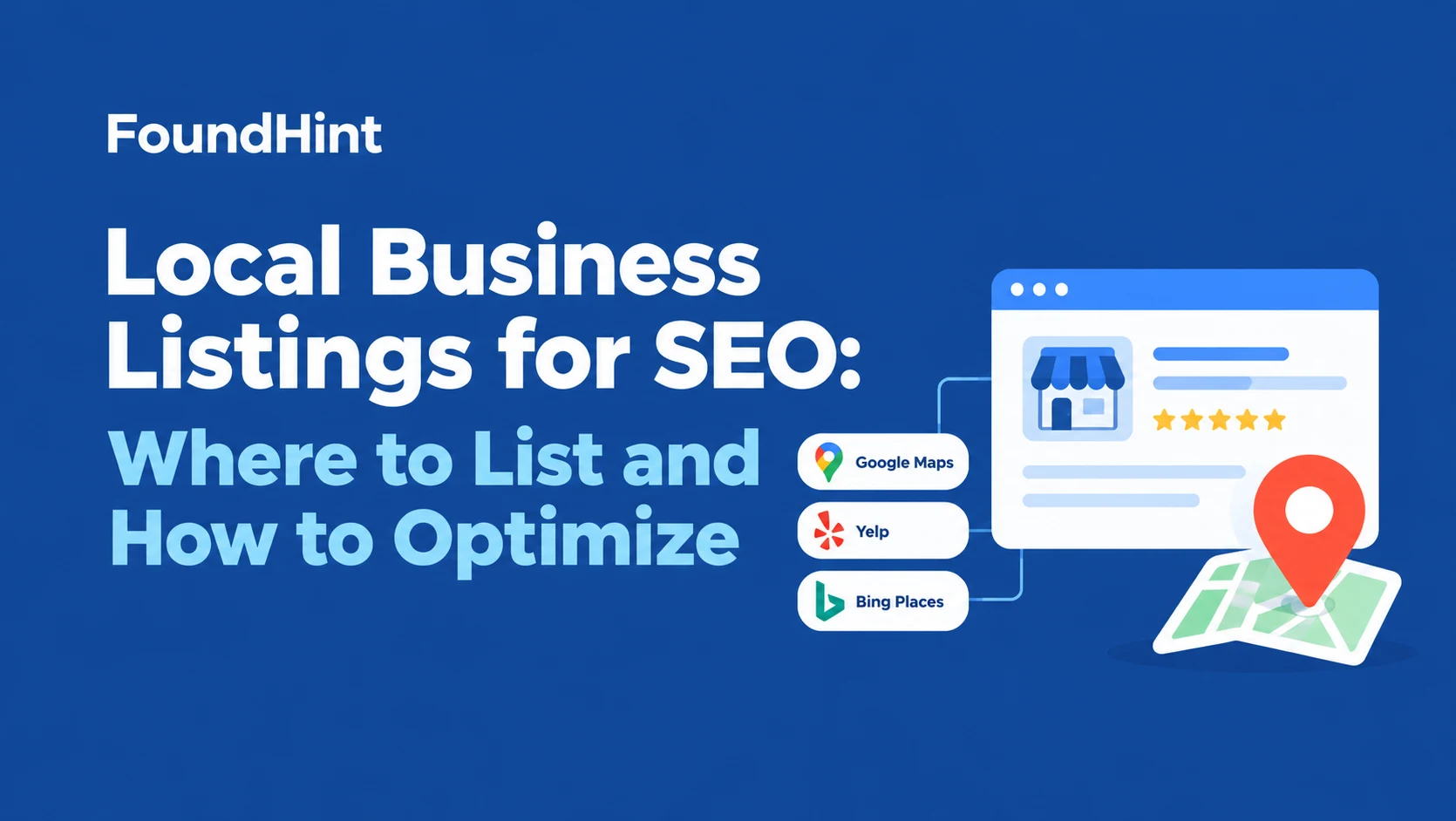
You know your business should be listed online, but where? Every week another directory emails you, a “listing service” promises 300 sites for one low price, and you’re still not sure which listings actually help customers find you.
Meanwhile, an old Yelp page shows your previous phone number, and you have no idea how many other sites are wrong too.
This local business listings for SEO guide clears it up.
You’ll learn which listings matter most, the top USA business listing sites by category and industry (with a bakery example), how to optimize your Google Business Profile and every other listing, and best practices for managing listings over time.
You’ll also see how to choose listing management software, when manual work is enough, and a 25-task local SEO list to keep your marketing on track.
 FoundHint Local SEO WordPress
Optimize your Google Business Profile without leaving WordPress
Connect your GBP profile, compare it with your website and fix the gaps FoundHint finds.
- Business Profile audit and optimization
- Google Post scheduling
- Review management and replies
- Local rank tracking on a map grid
What Are Local Business Listings?
A local business listing is a profile of your business on a platform like Google, Apple Maps, Yelp, or an industry directory. It usually includes your business name, address, phone number (NAP), website, hours, categories, photos, and reviews.
In SEO terms, each mention of your business details online is called a citation, and listings are the most complete type of citation.
Why Business Listings Matter for Local SEO
- Customers find you there. People search Google Maps, ask Siri, browse Yelp, and check Nextdoor. If you’re not listed, you’re invisible on those platforms.
- They support trust. When your details match across the web, Google can be more confident they’re accurate. Our guide to NAP consistency explains why that matters.
- Some listings rank on their own. Yelp, Angi, or TripAdvisor pages often appear on page one for local searches, giving you another way to be found.
- Reviews live there. Many listings collect reviews that influence buying decisions.
Listings are one piece of local SEO, alongside your Google Business Profile, your website, reviews, and links. Our breakdown of local SEO ranking factors shows how they fit together.
Quality Over Quantity
You don’t need 300 listings. A handful of accurate, complete profiles on the platforms your customers actually use beats hundreds of thin, outdated ones.
Services that promise mass submissions to low-quality directories rarely move the needle and can leave a mess of inconsistent data behind.
Where to List: Top USA Business Listing Sites for Local SEO
Start at the top of this list and work down. The first tier matters for every business; the rest depend on your industry and location.
Tier 1: Essential Listings for Every Local Business
| Platform | Why it matters |
|---|---|
| Google Business Profile | Powers Google Search and Google Maps results, the most important listing you’ll have |
| Apple Business Connect | Controls how you appear in Apple Maps, Siri, and on iPhones |
| Bing Places for Business | Feeds Bing, Microsoft products, and some AI assistants |
| Yelp | Popular for reviews and often ranks for local searches |
| Many customers check Facebook pages for hours, updates, and reviews |
Tier 2: Major General Directories
| Platform | Best for |
|---|---|
| Better Business Bureau | Trust and credibility, especially for service businesses |
| Nextdoor | Neighborhood recommendations |
| Foursquare | Location data used by many apps |
| Yellow Pages (YP) | Long-standing general directory |
| MapQuest | Maps and directions |
| Manta | Small business directory |
| Your local chamber of commerce | Local credibility and often a valuable local link |
Tier 3: Industry-Specific Listings
| Industry | Platforms to consider |
|---|---|
| Home services | Angi, Thumbtack, Houzz, HomeAdvisor |
| Restaurants and food | TripAdvisor, OpenTable, DoorDash, Uber Eats |
| Healthcare | Healthgrades, Zocdoc, WebMD |
| Legal | Avvo, Justia, FindLaw |
| Hotels and travel | TripAdvisor, Booking.com, Expedia |
| Auto | Cars.com, RepairPal |
| Wedding and events | The Knot, WeddingWire |
Tier 4: Local and Niche Listings
Local newspaper directories, city tourism sites, neighborhood associations, and local business groups. These often bring both customers and a relevant local link.
For a much longer list organized by country and industry, see our guide to the best local business directories.
How to Choose the Right Listings for Your Industry: A Bakery Example
The best listings are the ones your customers actually use. Here’s how a neighborhood bakery in Austin might build its citation listings:
| Priority | Listing | Why |
|---|---|---|
| 1 | Google Business Profile | Shows up when people search “bakery near me” or “custom cakes Austin” |
| 2 | Apple Business Connect and Bing Places | Covers iPhone users and Bing searchers |
| 3 | Yelp and Facebook | Where people read reviews and check hours |
| 4 | TripAdvisor | Visitors searching for local food spots |
| 5 | DoorDash, Uber Eats, or Grubhub | If the bakery offers delivery |
| 6 | The Knot or WeddingWire | If it makes wedding cakes |
| 7 | Nextdoor | Neighborhood recommendations |
| 8 | Austin chamber of commerce and local food blogs | Local credibility and links |
Notice the pattern: the core listings first, then platforms tied to how the bakery actually sells. A plumber’s list would look completely different, with Angi, Thumbtack, and BBB near the top.
A Quick Way to Find Your Industry’s Listings
- Search your main service plus city, like “wedding cakes Austin” or “roof repair Denver.”
- Note every directory or platform that appears on page one.
- Search a top competitor’s business name and phone number to see where they’re listed.
- Add the relevant platforms you’re missing to your list.
How to Optimize Your Google Business Listing for Local SEO?
Your Google Business Profile (formerly Google My Business) deserves the most attention, because it controls how you appear in the map pack and on Google Maps. Here’s how to optimize it.
- Claim and verify your profile. Unverified profiles have limited visibility. If you haven’t yet, here’s how to connect your Google Business Profile to WordPress once it’s set up.
- Use your real business name. No added keywords or cities, which break Google’s guidelines.
- Pick the right primary category, then add relevant additional categories. Our guide to Google Business Profile categories explains how.
- Get your address or service area right. Service-area businesses should hide their address if customers don’t visit.
- Add accurate hours and special hours. Here’s how to change your business hours on Google.
- List your services and products with short, clear descriptions. See our guide to products and services.
- Write a helpful description that explains what you do and who you serve.
- Set relevant attributes, like online appointments, wheelchair access, or women-owned.
- Upload real photos of your team, work, storefront, and interior. Our guide to Business Profile photos covers what works.
- Publish regular posts with updates and offers. See our guide to Google Business Profile posts.
- Ask for and reply to reviews. Our guide to Google Business Profile reviews has reply examples.
- Track your website link with UTM tags so you can see how many visits your profile sends. Here’s how to set up UTM tracking for Google Business Profile.
When your listing appears in Google Maps, it’s competing on relevance, distance, and prominence. Our guide to Google Maps local SEO goes deeper.
Best Practices for Local SEO Business Listings and Citations
Once you know where to list, these best practices apply to every listing, from Yelp to your chamber of commerce.
1. Create a Master Business Record First
Before touching any listing, write down your official business details in one document: exact business name, address formatting, phone number, website URL, hours, categories, a short and long description, and your logo and photos. Copy from this every time so every listing matches.
2. Keep Your NAP Exactly Consistent
Use the same business name, address, and phone number everywhere. Pick one format (for example, “Suite 200” or “Ste 200”) and stick with it. Minor formatting differences aren’t a disaster, but wrong numbers and old addresses are.
3. Claim Listings Instead of Creating New Ones
Many platforms already have a listing for you, created automatically from public data. Search first, then claim and verify the existing one rather than creating a duplicate.
4. Fill Out Every Relevant Field
Complete profiles look more trustworthy and give platforms more to match against searches. Add categories, hours, services, photos, payment options, and a description.
5. Choose Accurate Categories
Use the closest matching category on each platform. Categories vary by site, so pick the nearest equivalent rather than forcing an exact match.
6. Link to the Right Page
Single-location businesses usually link to the homepage. Multi-location businesses should link each listing to its own location page. Add UTM tags where you can to track traffic.
7. Add Real Photos
Listings with real photos get more attention. Use the same logo everywhere, then add current photos of your work, team, and location.
8. Monitor and Respond to Reviews
Turn on review notifications for each platform and reply to reviews on the sites where they’re posted, not just Google.
9. Avoid Spammy Directories
Skip low-quality directories that exist only to sell links. If a site has no real visitors, no local relevance, and nothing but ads, it’s not worth listing on.
10. Keep Your Website Consistent Too
Your website is the source of truth search engines compare listings against. Show your NAP in the footer and contact page, and consider adding accurate LocalBusiness schema for WordPress.
Managing Business Directory Listings: Best Practices Over Time
Listings aren’t a one-time job. Details change, platforms update data automatically, and duplicates appear. Here’s how to keep everything accurate.
Audit Your Existing Listings
- Search your business name plus city on Google, Yelp, Facebook, and major directories.
- Search your phone number in quotes, plus any old phone numbers.
- Search your old addresses if you’ve moved.
- Record every listing in a spreadsheet with columns for platform, URL, claimed status, name, address, phone, website, and whether each matches your master record.
Fix Inconsistencies and Duplicates
- Update wrong details on every listing you control.
- For listings you can’t edit, use the platform’s “suggest an edit” or support process.
- Report or merge duplicate listings rather than leaving two versions live.
Update Everywhere When Something Changes
Moving, changing your phone number, rebranding, or changing hours? Update your Google Business Profile first, then your website, then your other listings in order of importance. Keep a log of what you updated and when.
Review Listings Regularly
Check your top listings quarterly and after any business change. Look for edits made by the public or by data providers, new duplicates, and new reviews waiting for a reply.
Watch for Data Aggregators
Some listings get their data from large data providers rather than from you directly. If wrong details keep coming back after you fix them, the source may be one of these providers. Listing management tools can help correct data at the source.
For a deeper look at building and cleaning up citations, see our guide to local citations for local SEO.
Business Listing Management Software and Services
You can manage listings by hand, use software, or hire a listing service. The right choice depends on how many locations and listings you have.
Manual vs Software vs Service
| Approach | How it works | Best for | Watch out for |
|---|---|---|---|
| Manual | You claim and update each listing yourself | One location with 10 to 20 listings | Time-consuming; easy to forget updates |
| Listing management software | Pushes your details to many directories from one dashboard and keeps them synced | Multiple locations, agencies, frequent changes | Ongoing subscription; some listings revert if you cancel |
| One-time citation building service | A provider manually submits your business to selected directories | Building a solid base of listings quickly | Quality varies; make sure you get logins and a report |
Well-Known Listing Management Tools
These are some of the top business listing management software solutions for local SEO. Features and pricing change often, so compare current plans before choosing.
- Yext: enterprise-focused, syncs listings with a large network of publishers.
- Moz Local: listing distribution and monitoring, priced per location.
- Semrush Local: listing management as an add-on to the Semrush platform, plus map rank tracking.
- BrightLocal: citation tracking, citation building, rank tracking, and reviews for agencies and small businesses.
- Whitespark: known for citation research and manual citation building services.
How to Choose Business Listing Management Software for Local SEO
- Coverage: does it include the platforms your customers use, especially in your industry?
- Sync vs submit: does it keep listings updated automatically, or only submit them once?
- What happens if you cancel: do your listings stay, or revert to old data?
- Duplicate handling: can it find and suppress duplicates?
- Control: can you choose exactly where your business, services, and products are listed?
- Pricing per location: what will it cost for all your locations over a year?
- Reporting: can you see which listings are live, pending, or wrong?
- Reviews and Business Profile: does it also help with reviews and your Google Business Profile, or will you need another tool?
What Makes a Listing Service Reliable?
Reliable business listing services for local SEO are transparent. They tell you exactly which sites they’ll list you on, give you a report with live URLs, hand over login details where possible, and avoid low-quality link directories. Be wary of anyone promising hundreds of listings for a tiny fee or guaranteed rankings.
SEO Task List for Local Businesses: 25 Tasks That Drive Local Marketing
Listings are one part of local SEO. Here’s a complete SEO task list for local business marketing, grouped so you can work through it in order. Agencies can use it as a list of the top SEO services to offer local clients.
Google Business Profile
- Claim and verify your Google Business Profile
- Choose accurate primary and additional categories
- Add services, products, attributes, and a helpful description
- Upload real photos regularly
- Publish Business Profile posts
- Keep regular and special hours up to date
Listings and Citations
- Create a master business record (NAP, hours, categories, descriptions)
- Claim Apple Business Connect and Bing Places
- Claim Yelp, Facebook, and major general directories
- Add industry-specific listings
- Find and fix inconsistent or outdated listings
- Remove or merge duplicate listings
Reviews and Reputation
- Set up a simple review request process
- Reply to every review on every platform
- Turn on review notifications
Website
- Show your NAP in the footer and contact page
- Create a page for each core service
- Add location or service-area pages with real local details
- Optimize title tags and meta descriptions. See our guide to local SEO title tags and meta descriptions
- Add accurate LocalBusiness schema
- Make sure your site is fast, mobile-friendly, and indexed
Research, Links, and Measurement
- Research local keywords for each service and city. Our guide to local SEO keyword research shows how
- Earn local links from chambers, sponsorships, and partners
- Track map rankings across your service area
- Measure calls, direction requests, website clicks, and leads monthly
For the full website setup, see our WordPress local SEO checklist.
Manage Your Listings and Google Business Profile With FoundHint
FoundHint is a local SEO plugin for WordPress that brings your Google Business Profile and listings work into your WordPress dashboard. It connects to Google with no API keys or Google Cloud setup.
The Citation Feature: Find the Right Listings for Your Business
FoundHint’s citation feature gives you a list of local business directories based on your business category. You can see where your business is already listed, where it’s missing, and where details may be outdated.
You stay in full control of which platforms you list your business, services, and products on, so you build listings that fit your industry instead of chasing hundreds of random directories.
Your Google Business Listing, Managed From WordPress
- Edit business information, address, hours, special hours, social links, attributes, and services, then send updates to Google
- Create and schedule Business Profile posts
- Add and remove photos
- Sync WooCommerce products and add services
- Manage and reply to reviews, with auto-reply templates for 5, 4, 3, 2, and 1 star reviews
- Track map rankings with the Ranking Grid for your target keywords and location
- Manage multiple locations from one place
Nothing is submitted without you, so your listings stay accurate and under your control.
FoundHint Local SEO WordPress
Optimize your Google Business Profile without leaving WordPress
Connect your GBP profile, compare it with your website and fix the gaps FoundHint finds.
- Business Profile audit and optimization
- Google Post scheduling
- Review management and replies
- Local rank tracking on a map grid
Frequently Asked Questions
What are the top USA business listing sites for local SEO?
Start with Google Business Profile, Apple Business Connect, Bing Places, Yelp, and Facebook. Then add Better Business Bureau, Nextdoor, Foursquare, Yellow Pages, your local chamber of commerce, and the industry directories your customers use, like Angi for home services or Healthgrades for doctors.
How many business listings do I need for local SEO?
There’s no magic number. Focus on accuracy and relevance: the essential platforms, the major directories, and the industry sites your customers actually visit. For most small businesses, that’s somewhere between 20 and 50 quality listings, not hundreds.
What are the best practices for local SEO business listings?
Create a master business record, keep your NAP identical everywhere, claim existing listings instead of creating new ones, fill out every relevant field, use accurate categories, add real photos, reply to reviews, avoid spammy directories, and review your listings regularly.
How do I optimize my Google My Business listing for local SEO?
Verify your profile, use your real business name, choose the right primary and additional categories, set accurate hours and service areas, add services, products, and photos, post regularly, and reply to every review.
Are business listing services worth it?
They can be, especially if you have several locations or little time. Choose a transparent service that tells you exactly where you’ll be listed, gives you a report and logins, and avoids low-quality directories. Avoid anyone promising guaranteed rankings or hundreds of listings for a tiny fee.
How do I choose business listing management software?
Check which platforms it covers, whether it keeps listings synced or only submits them once, what happens when you cancel, how it handles duplicates, its price per location, and whether it gives you control over where your business is listed.
What happens if my listings have different information?
Inconsistent details confuse customers and can make Google less confident about your business information. Fix wrong phone numbers, old addresses, and old business names first, since those cause the most problems.
Which citation listings should a bakery have?
A bakery should start with Google Business Profile, Apple Business Connect, Bing Places, Yelp, and Facebook, then add TripAdvisor, delivery apps if it delivers, wedding sites like The Knot if it makes wedding cakes, Nextdoor, and the local chamber of commerce.
How often should I update my business listings?
Update them right away whenever something changes, like your hours, phone number, or address. Otherwise, review your most important listings every three months.
Conclusion
Local business listings for SEO work best when they’re accurate, complete, and on the platforms your customers actually use.
Start with the essentials, Google Business Profile, Apple Business Connect, Bing Places, Yelp, and Facebook, then add major directories and the industry listings that fit your business.
Optimize each one from a single master record, keep your NAP consistent, and review your listings whenever something changes.
Whether you manage listings by hand, use software, or hire a service, choose quality over quantity and stay in control of where your business appears.
Pair strong listings with an optimized Google Business Profile, a helpful website, and genuine reviews, and you’ll give customers every chance to find you.
If you’re curious how listings fit into the bigger picture, our guide on why local SEO matters is a good next read.